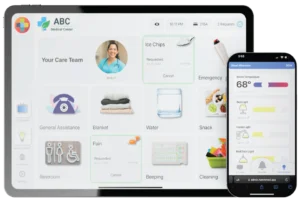
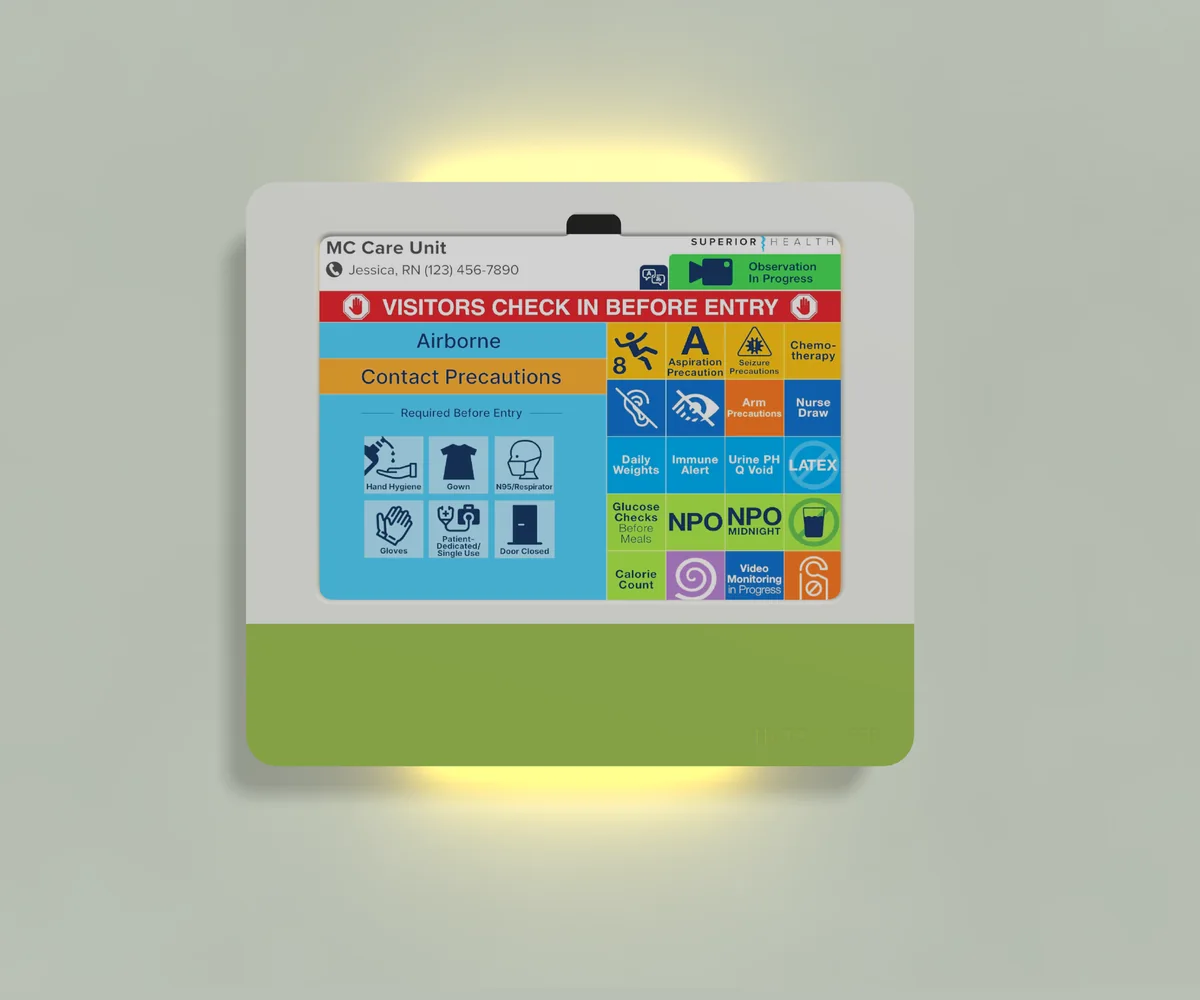
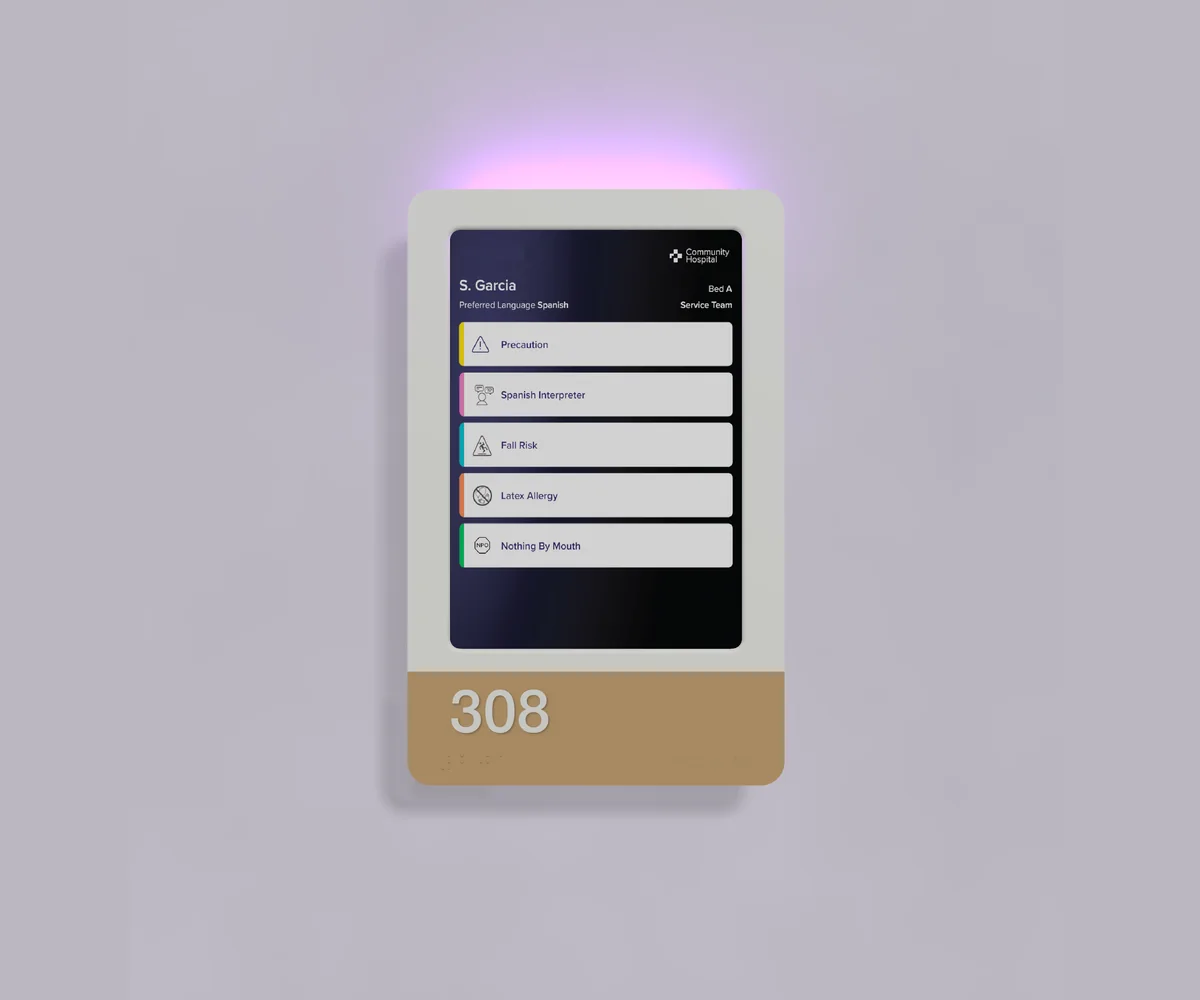
Inside the playbook: your software options for digital door signage and 10 questions to ask before you buy.
Going digital is the starting point. Not the finish line.
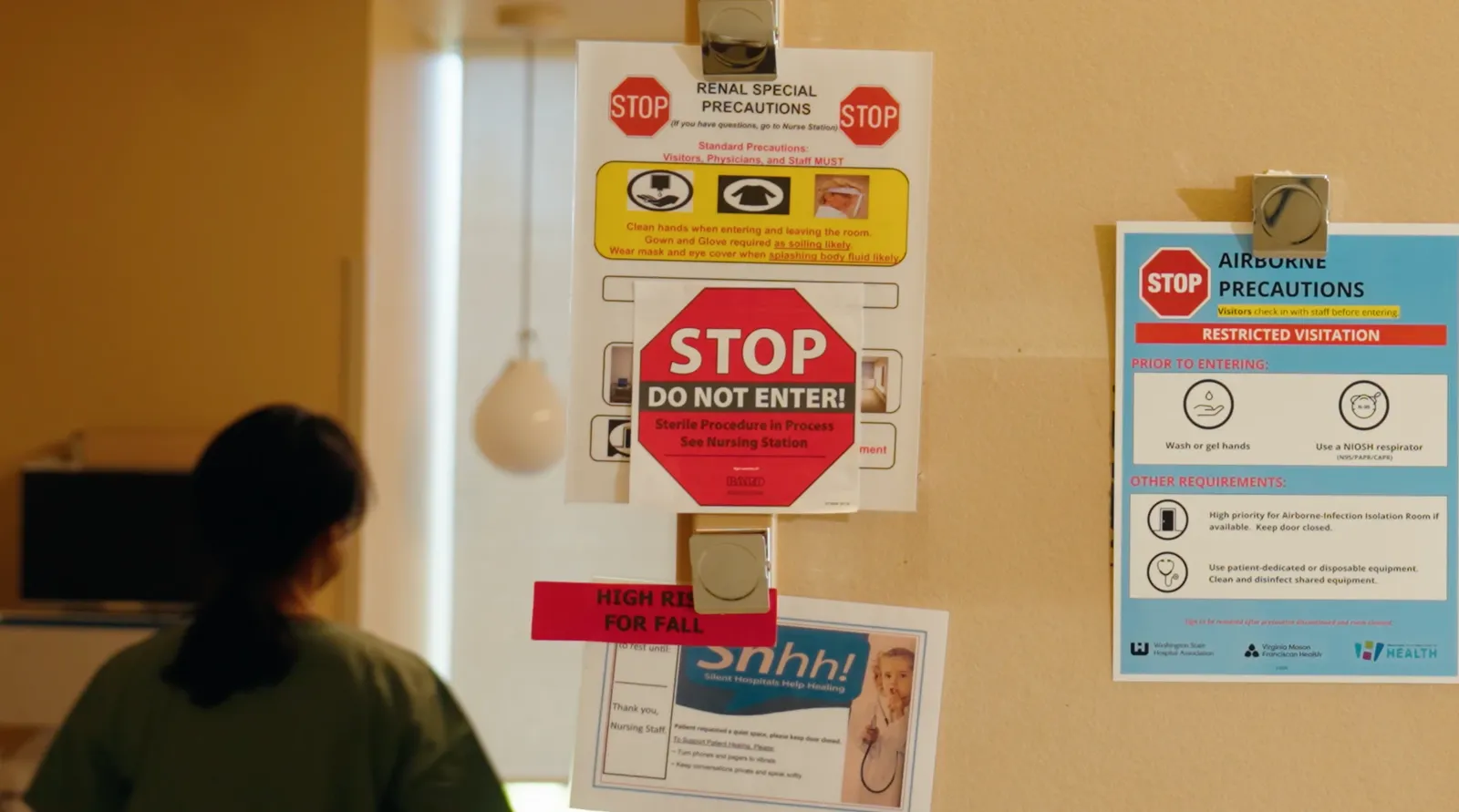
Paper signs, magnets and handwritten notices pile up fast. The average patient room carries almost 12 of them, and the one thing a nurse or visitor needs to see before walking in usually ends up buried at the bottom.
So hospitals are going digital. But a screen that someone still updates by hand, that sits apart from clinical systems and says nothing until you’re standing in front of it, is a digitized sign. The workflow hasn’t changed.
Before, with paper signs
→
After the HallMonitor upgrade
Updated by hand
→
Updates itself from your EHR
Readable only at the door
→
Shows from down the hall which rooms need you first
Separate from clinical systems
→
Integrates nurse call, bed safety and alarm status
Easy to miss when you’re rushing in
→
A light at the door that’s hard to miss when it matters
The average patient room carries 11.8 paper signs.1
The light does the triage. The screen explains it.
See which rooms need you first.
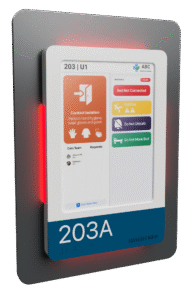
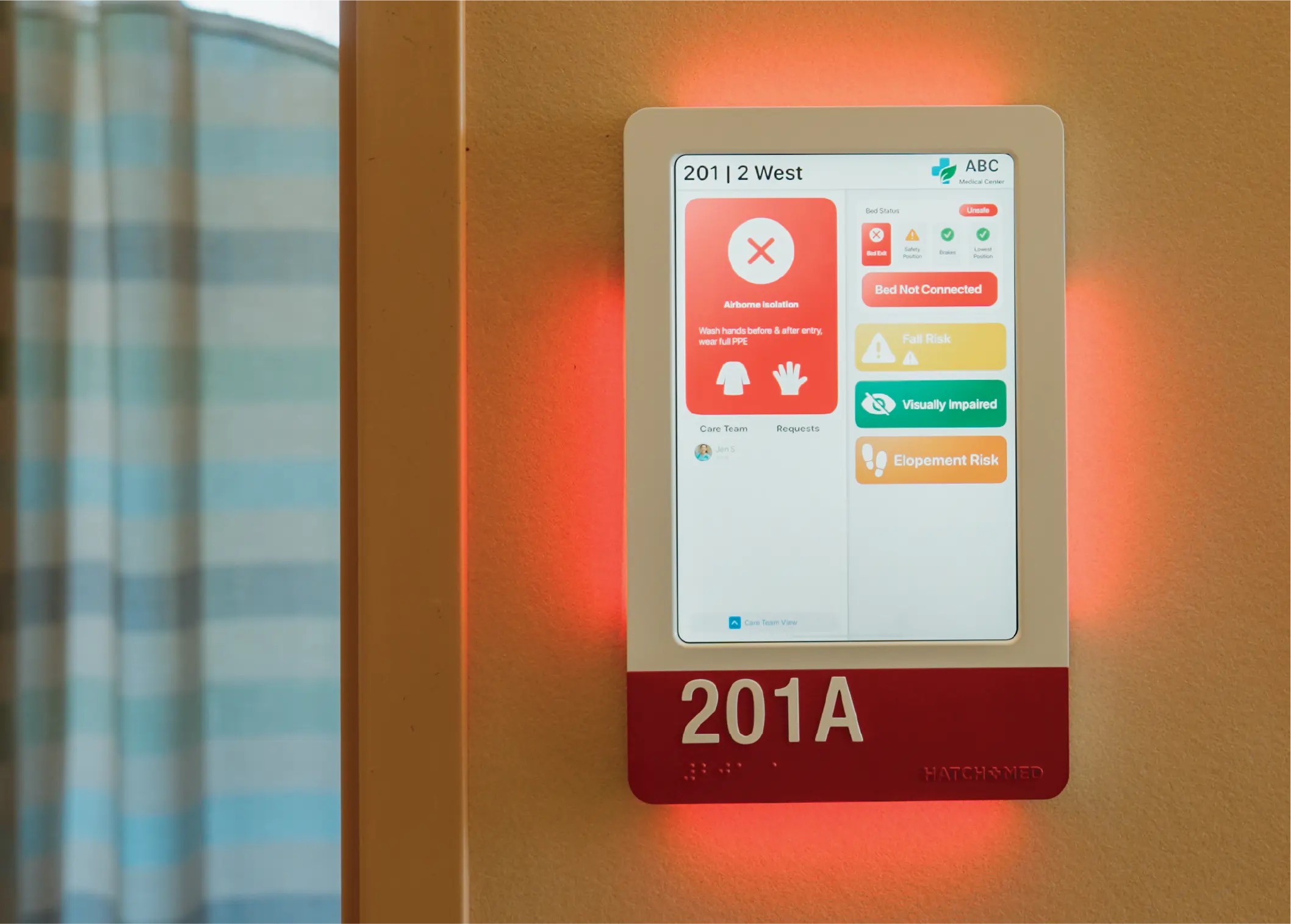
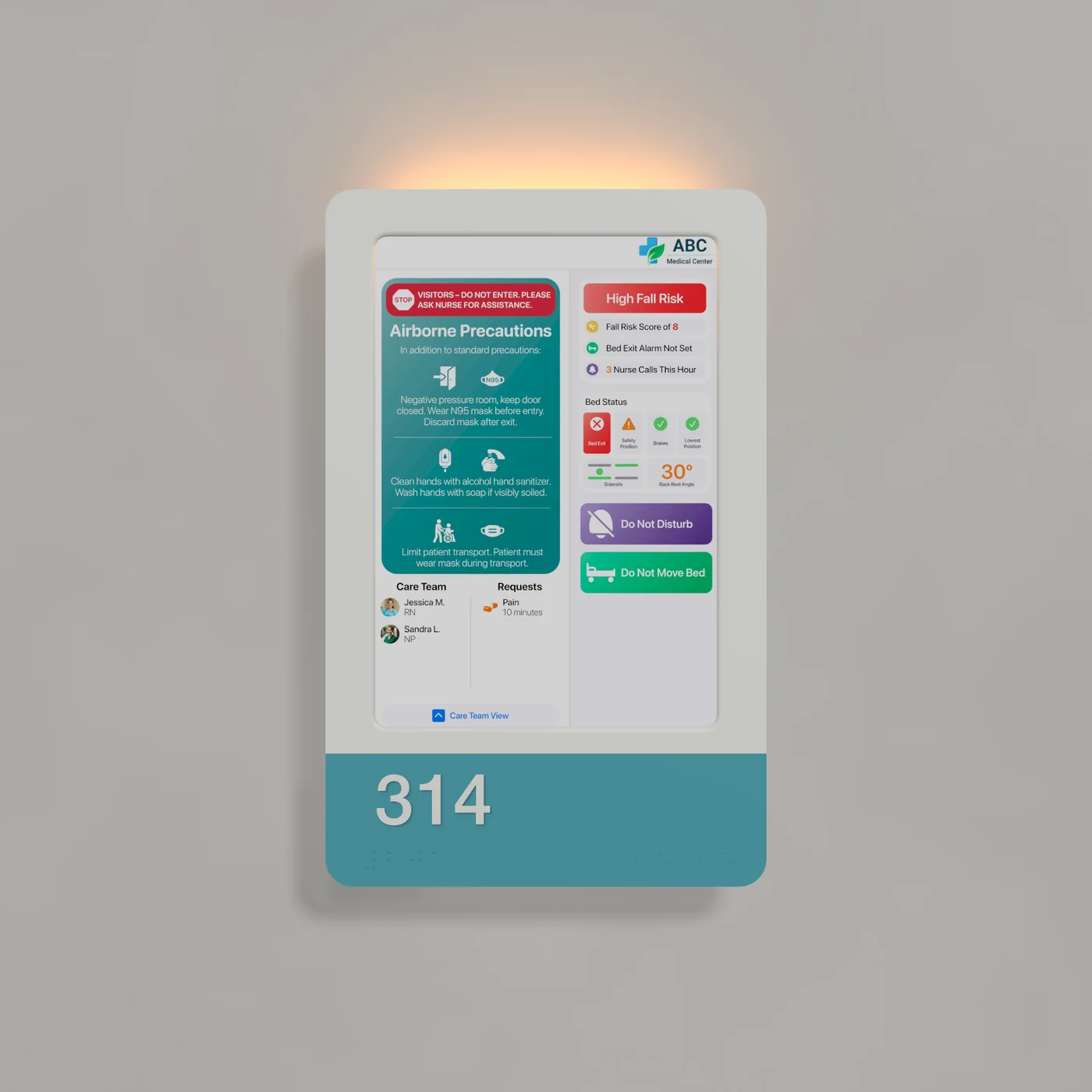
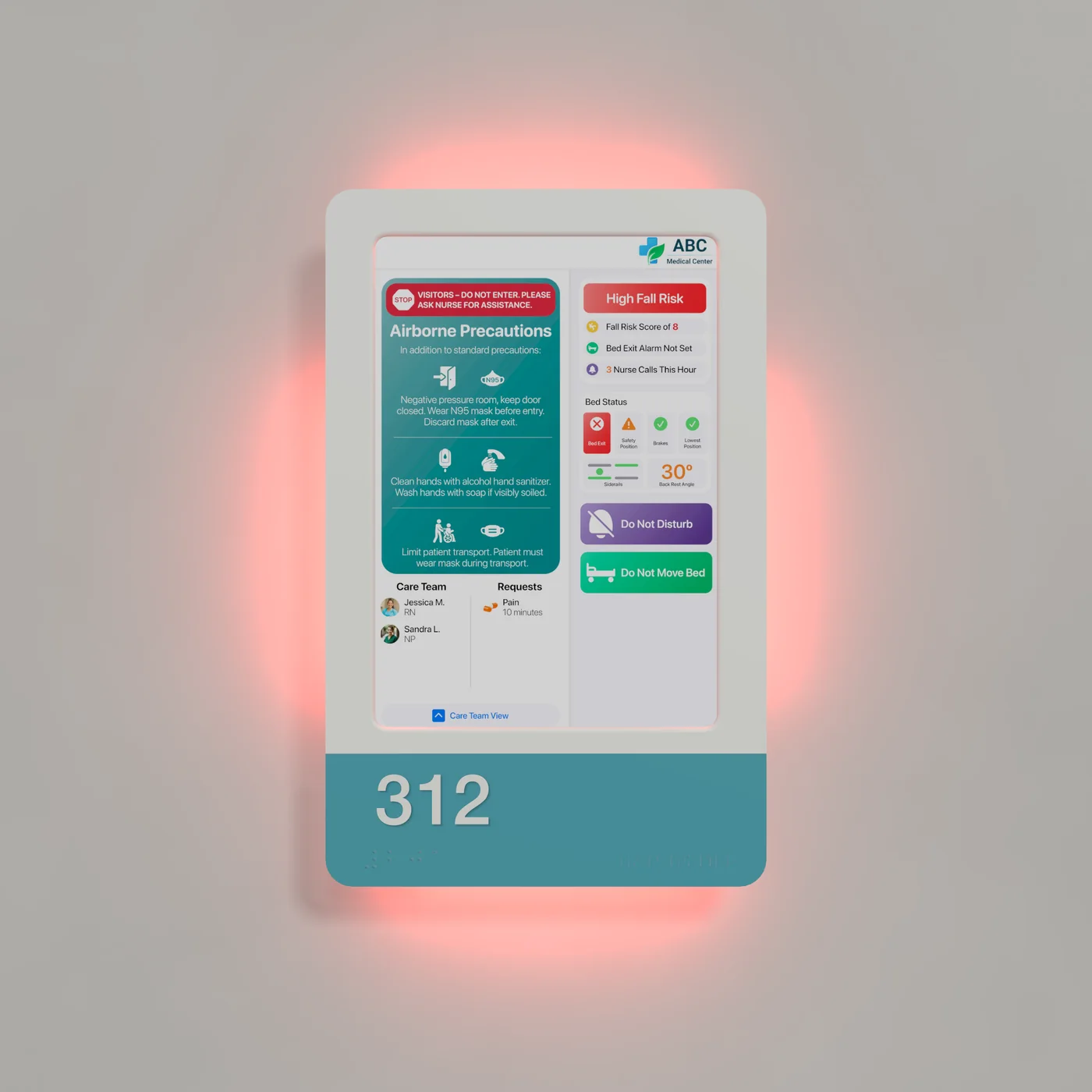
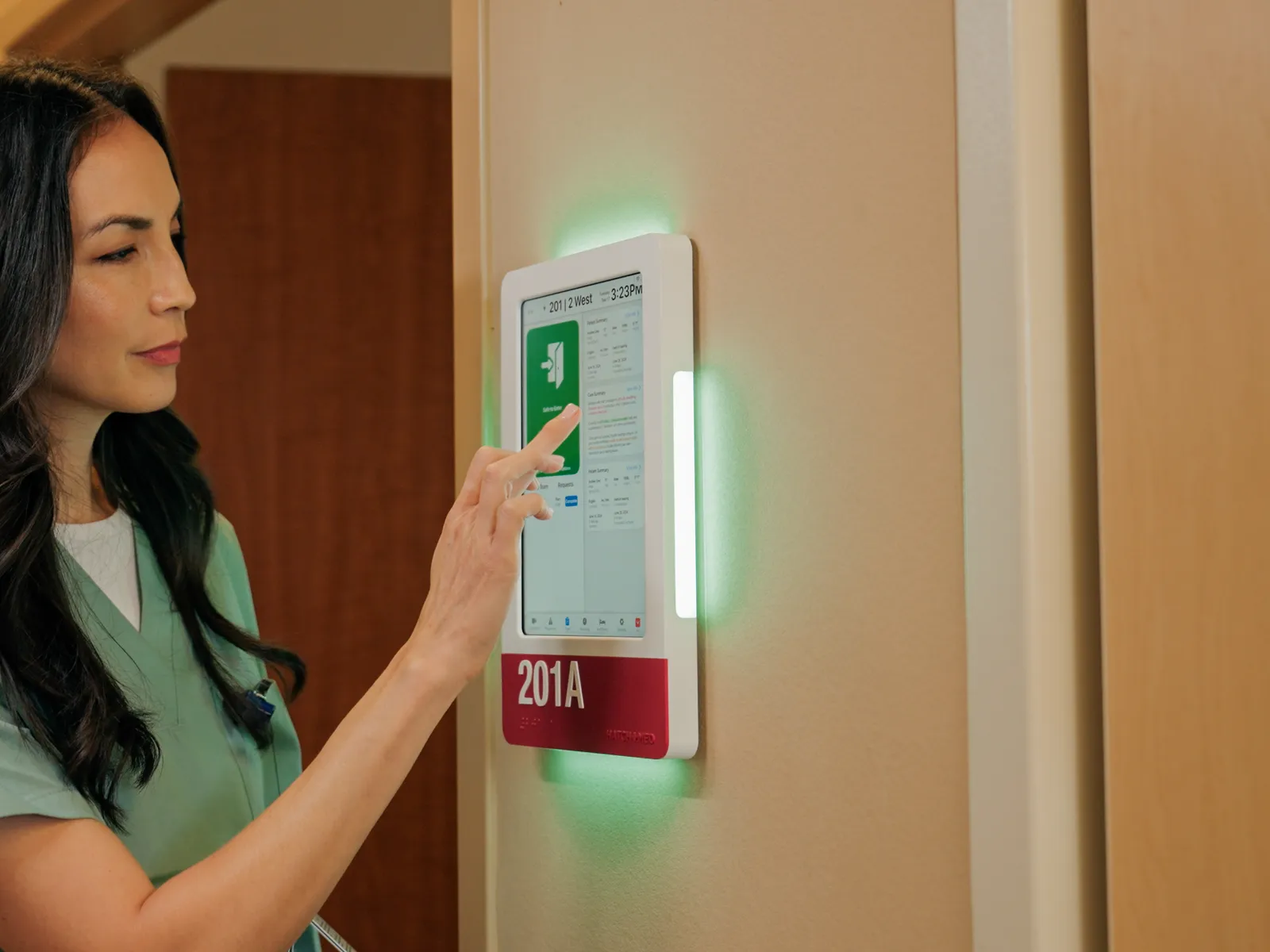
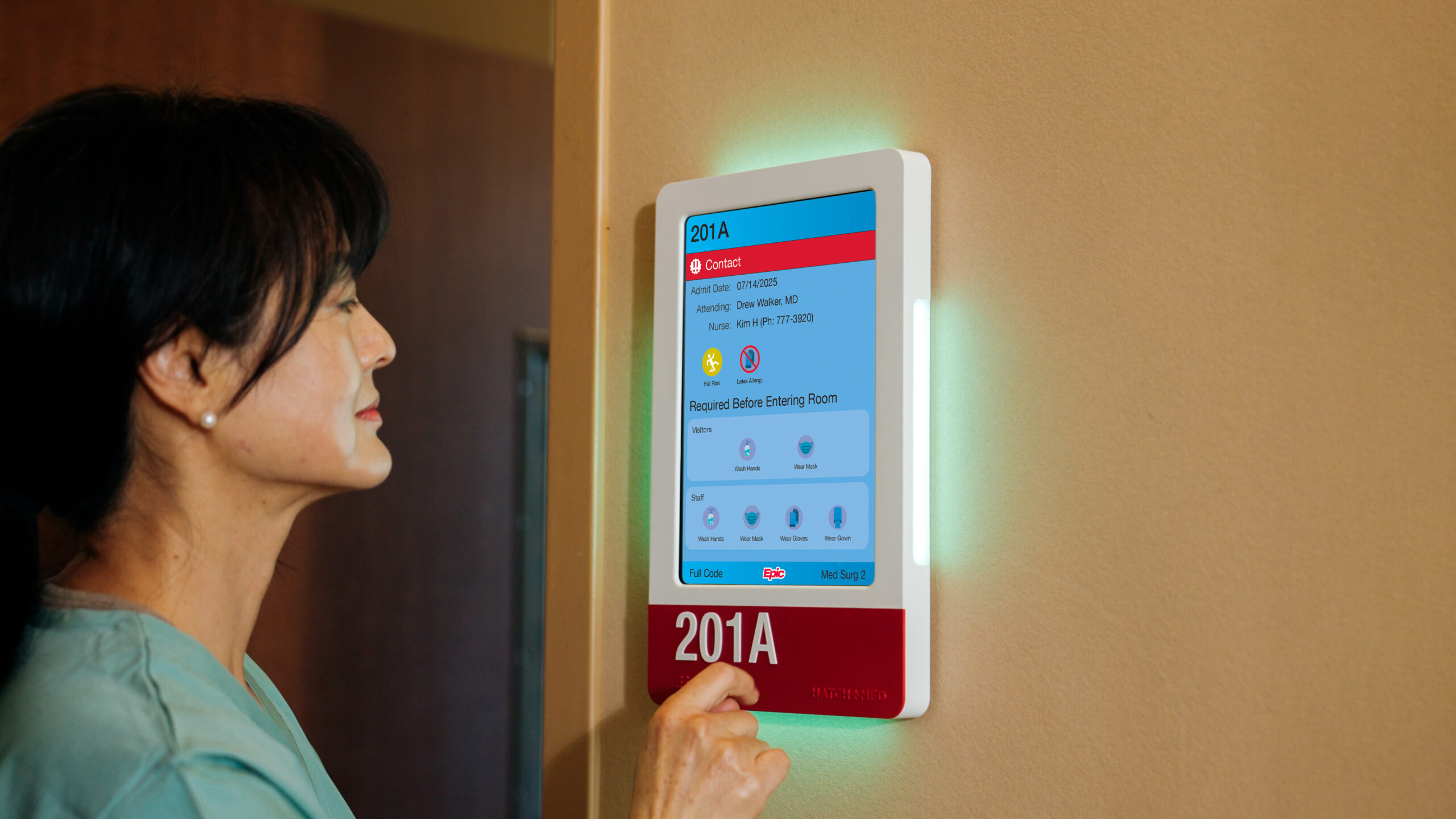
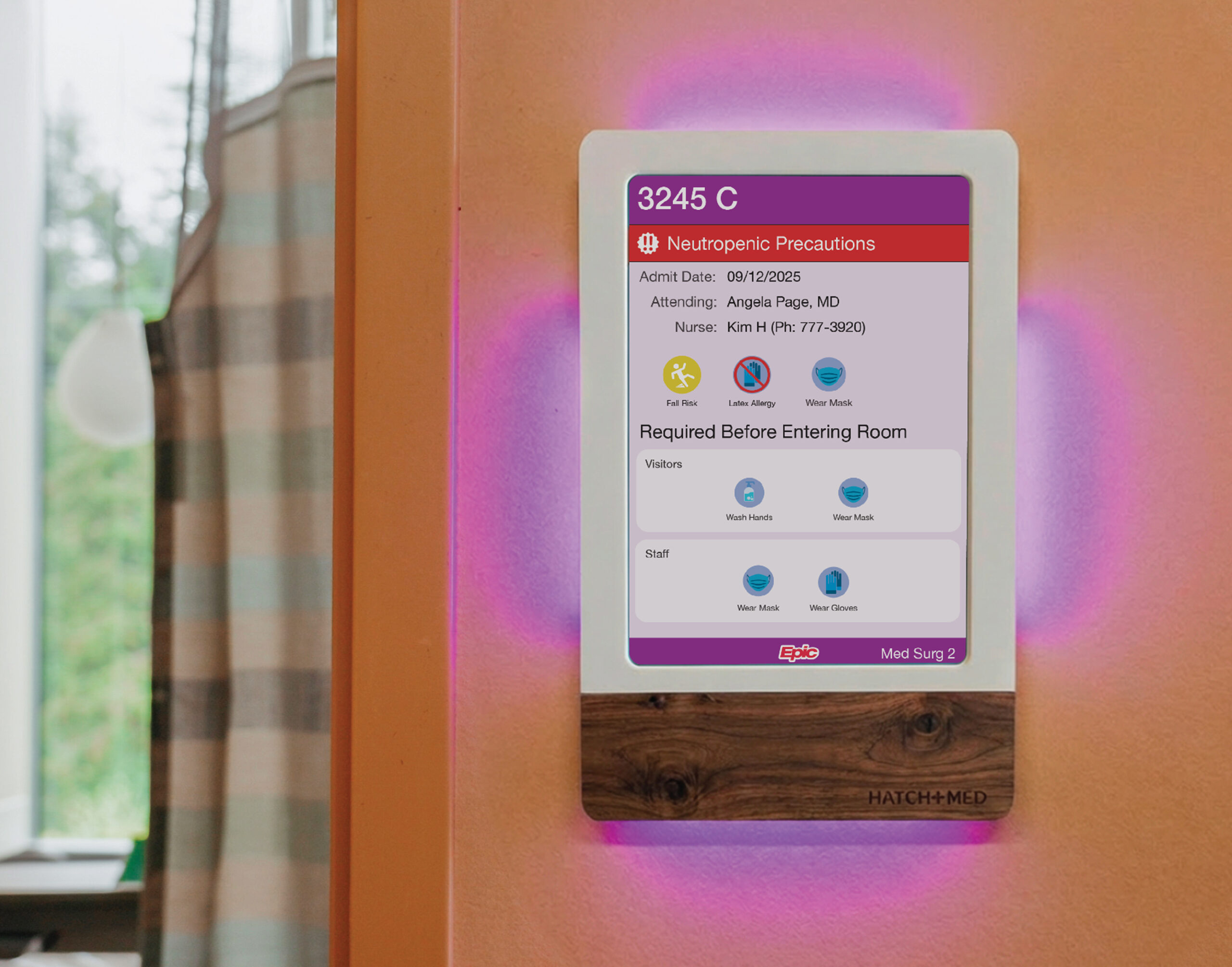
From the end of the hall, the light around each sign shows which rooms need someone now and which are fine for the moment, so staff can go where they’re needed first. At the door, when someone’s rushing in, an urgent status is hard to miss.
Our clinical team works with yours to decide, hospital-wide or unit by unit, which statuses need the most attention and which can wait. Rules can combine EMR, nurse call, bed and alarm data, and they grow and change with your needs. Here's one example.
The patient is safe and stable, the bed is connected and alarms are set.
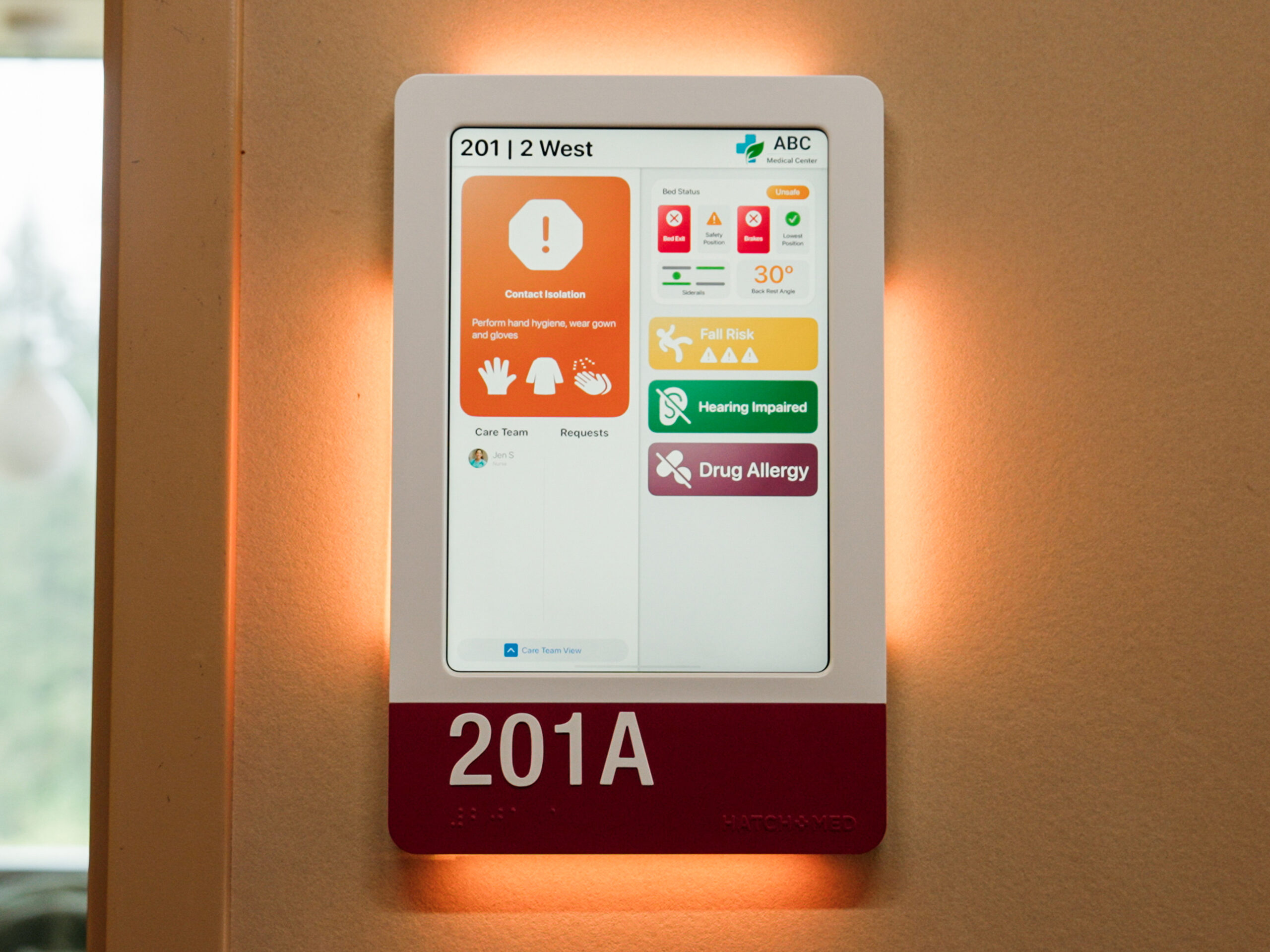
Something needs a look soon. For example, a patient weight order is long past due, or a turn timer has expired.
Needs urgent attention. For example, a high fall-risk patient has called for the bathroom several times and the bed exit alarm isn't armed.
Your signs and protocols, now digital.
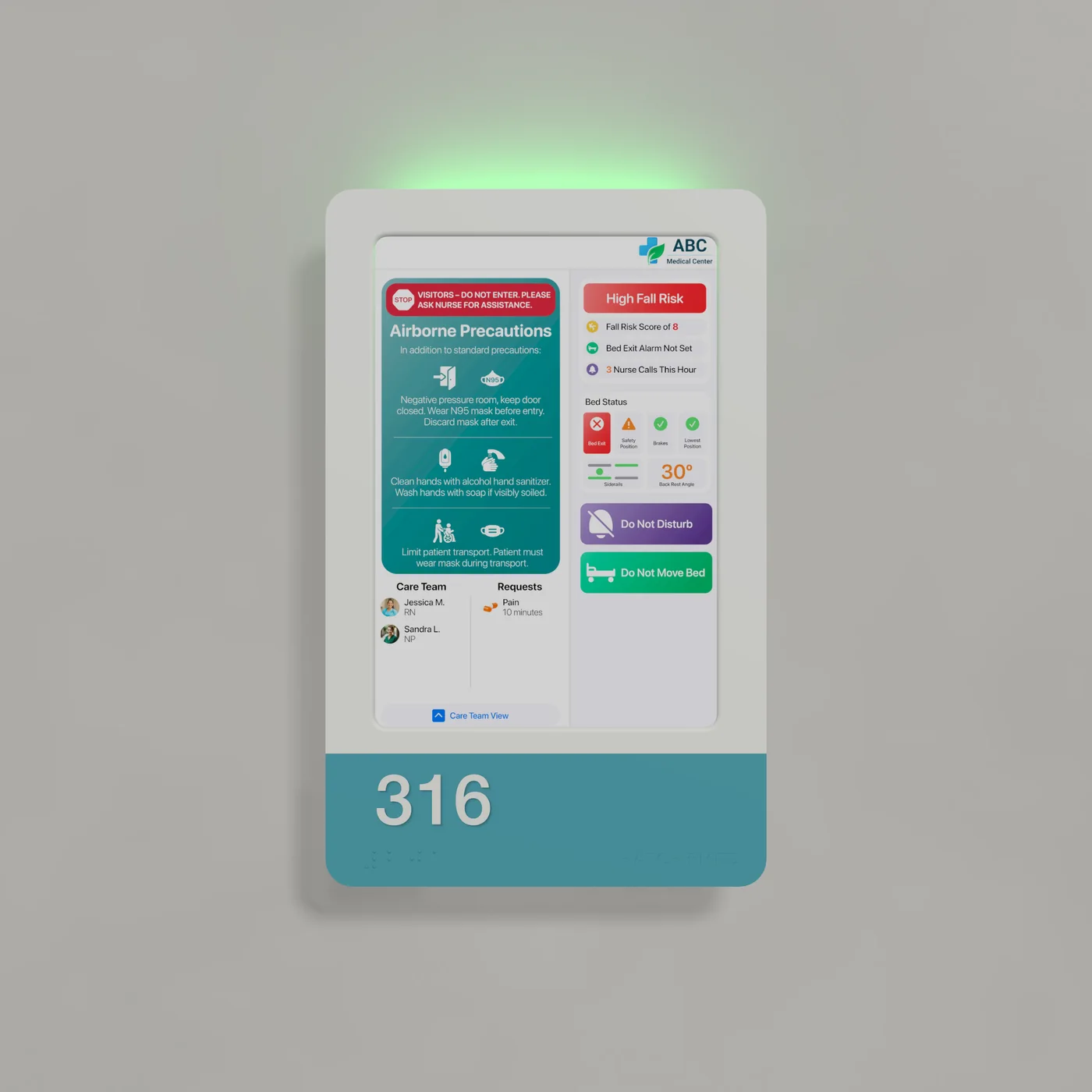
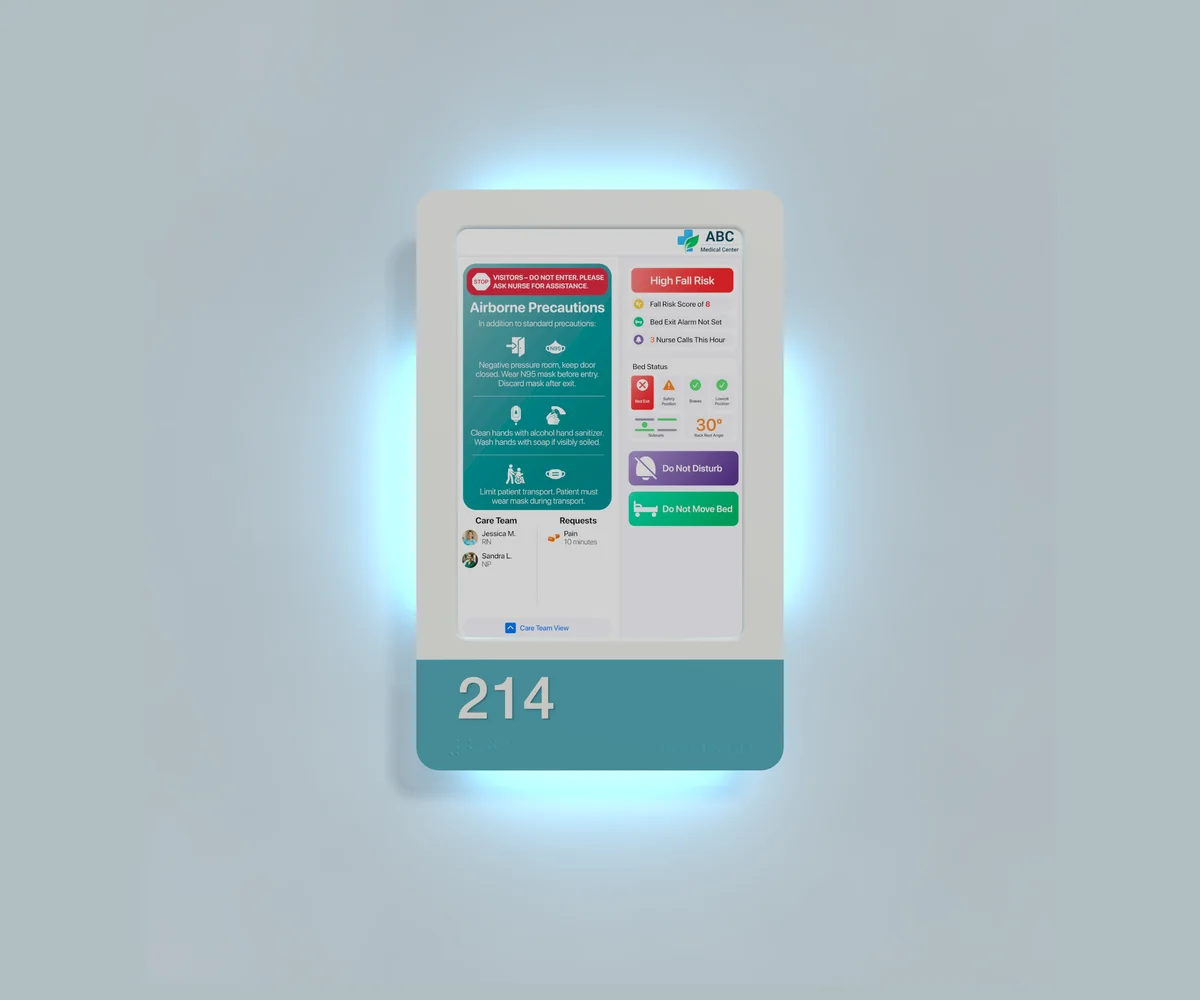
HallMonitor carries over what your hospital has already built: your signage protocols and designs, and the language, icons and steps your staff are trained to follow before entering a room. The processes your infection control team designed and approved move straight onto the screen, so nobody has to relearn them.
Need more than the sign shows? Staff can tap their badge on the optional built-in RFID reader to see additional details, shown only to authenticated users.
Keeping paper signs accurate is a job nobody signed up for: read the chart, find the right sign, tape it to the door, repeat whenever something changes. Here’s what changed when hospitals stopped doing it by hand.
380 min1
a day back at the bedside on an average 40-bed unit. That’s the time staff used to spend keeping paper door signs accurate, or trying to.
2,300 hrs1
of staff time a year that can go back into patient care, and toward a more satisfied, less burned-out care team.
~10 mo
for the hardware and software to pay for themselves on sign-updating time alone, before the safety and workflow gains.
90%2
fewer accidental walk-ins to isolation rooms after a hospital-wide rollout, because the HallMonitor light shows isolation status automatically, right at the door.
1 Based on average customer deployments on standard-size hospital units. Results vary with unit size and workflow. A custom ROI calculator is available, and we can run a tailored before-and-after study of HallMonitor on your units.
2 Results observed on units with many isolation patients, as recorded by care team members and visitors entering rooms before and after HallMonitor replaced standard paper signs.
Two ways to run it.
HallMonitor is the hardware. You choose the software that runs on it, and you can change software later without replacing a single sign.
HatchMed software
Native HallMonitor software, built to get the most out of the hardware. Icons, colors, language and layout follow your existing workflows and approved isolation and staff protocols, and rules can combine EMR, nurse call, bed and alarm data into one signal.
Included
White-glove setup and ongoing support as your needs change
Rules engine with full LED customization
Your existing signage recreated on screen, in Spanish, French and other languages
Nurse call and bed data on the sign
Optional RFID badge tap for authenticated staff details
Your EMR stays the source of truth. We scope the connections together during deployment.
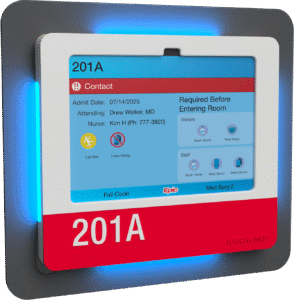
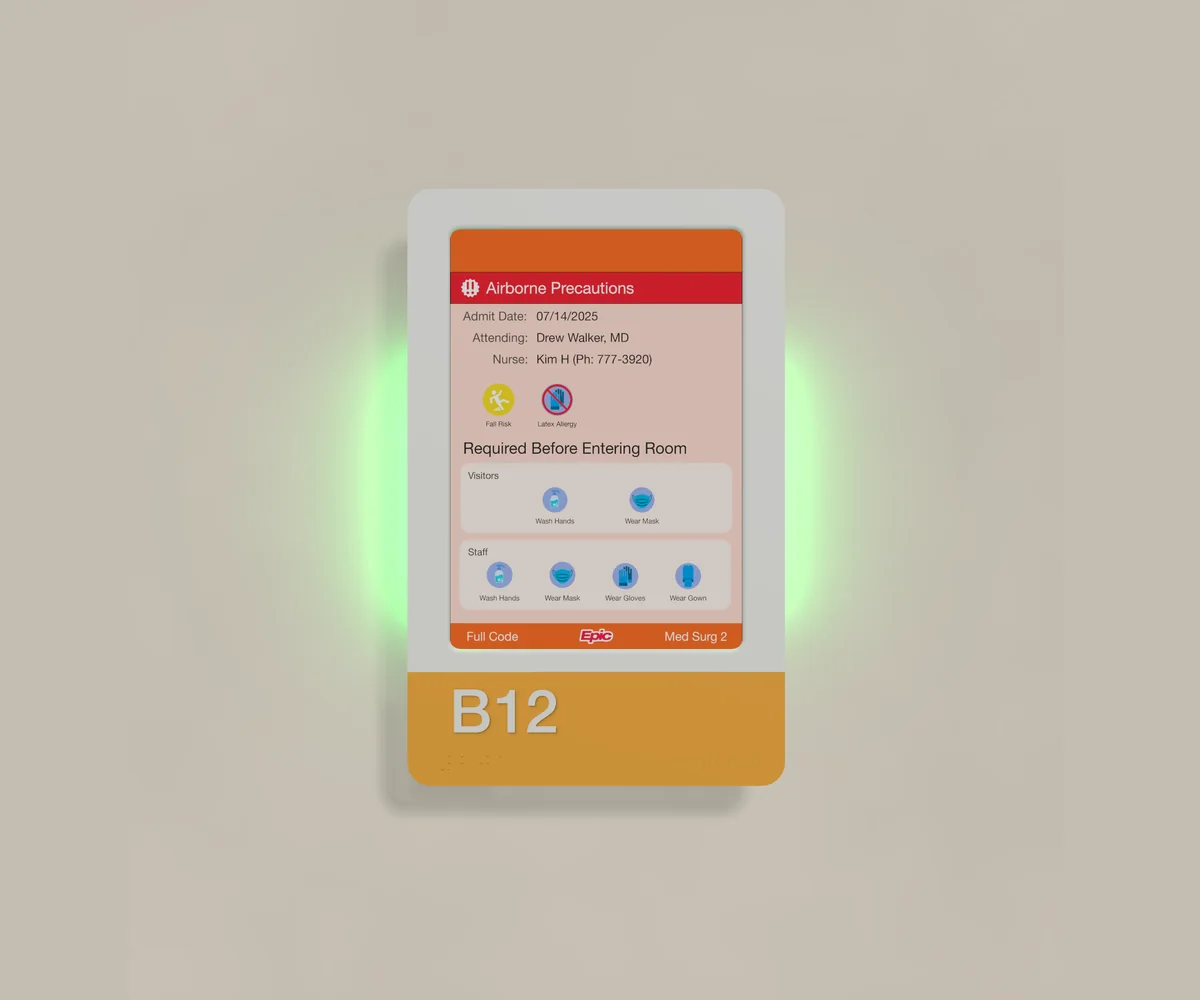
Epic Monitor is included with most Epic deployments. If your hospital has it, all you need is HallMonitor at the door. Epic Monitor runs on the iPad inside, shows patient information and drives the lights through Epic CER rules.
It’s plug-and-play: it works out of the box with Epic’s standard layouts, with no setup or design work required.
How it splits
Your Epic team configures the rules and colors
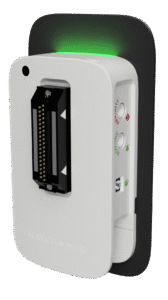
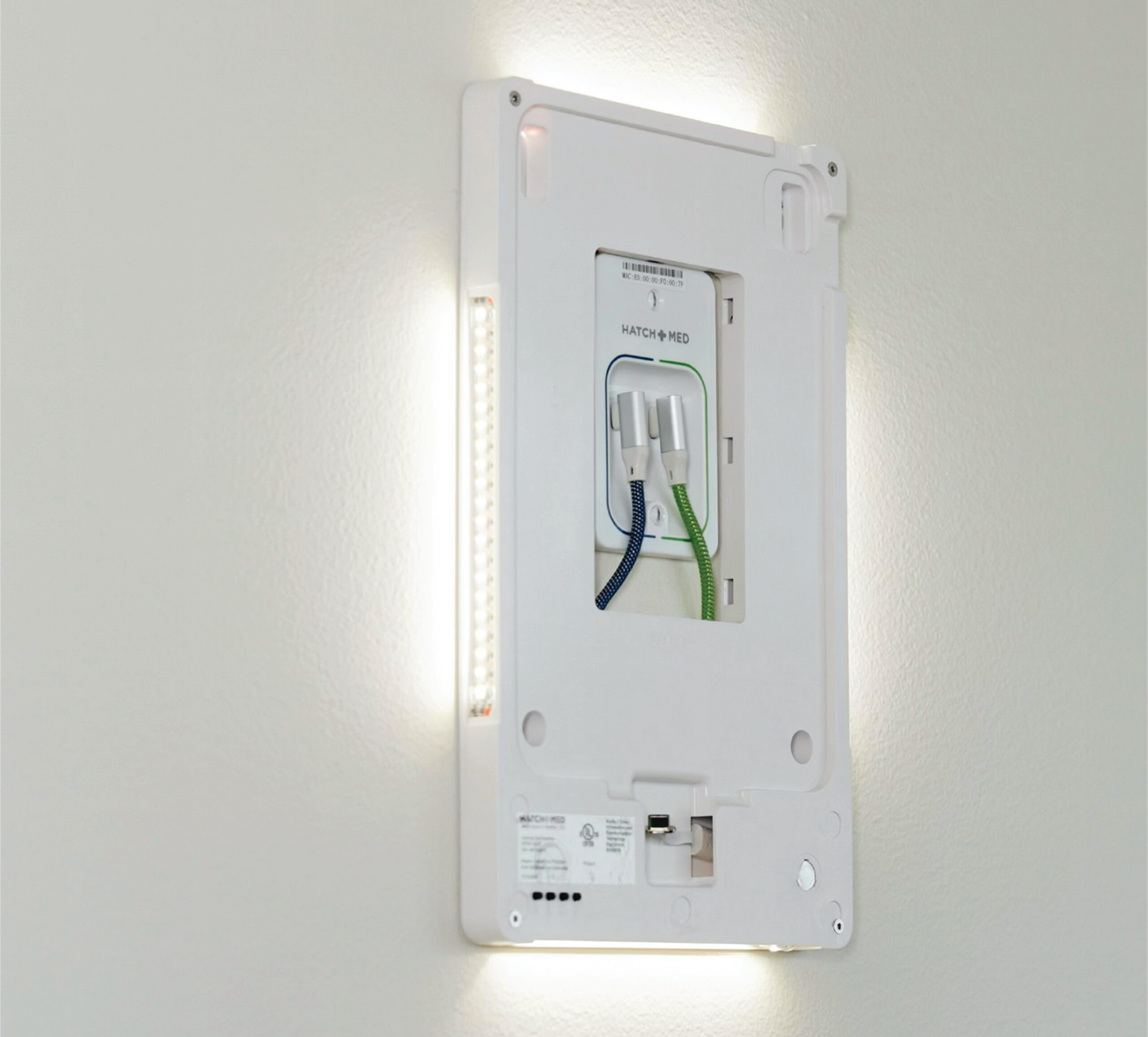
Native support for the LED lights and the optional built-in RFID staff badge reader
Epic and Epic Monitor are registered trademarks of Epic Systems Corporation.
The only healthcare-grade digital door sign.
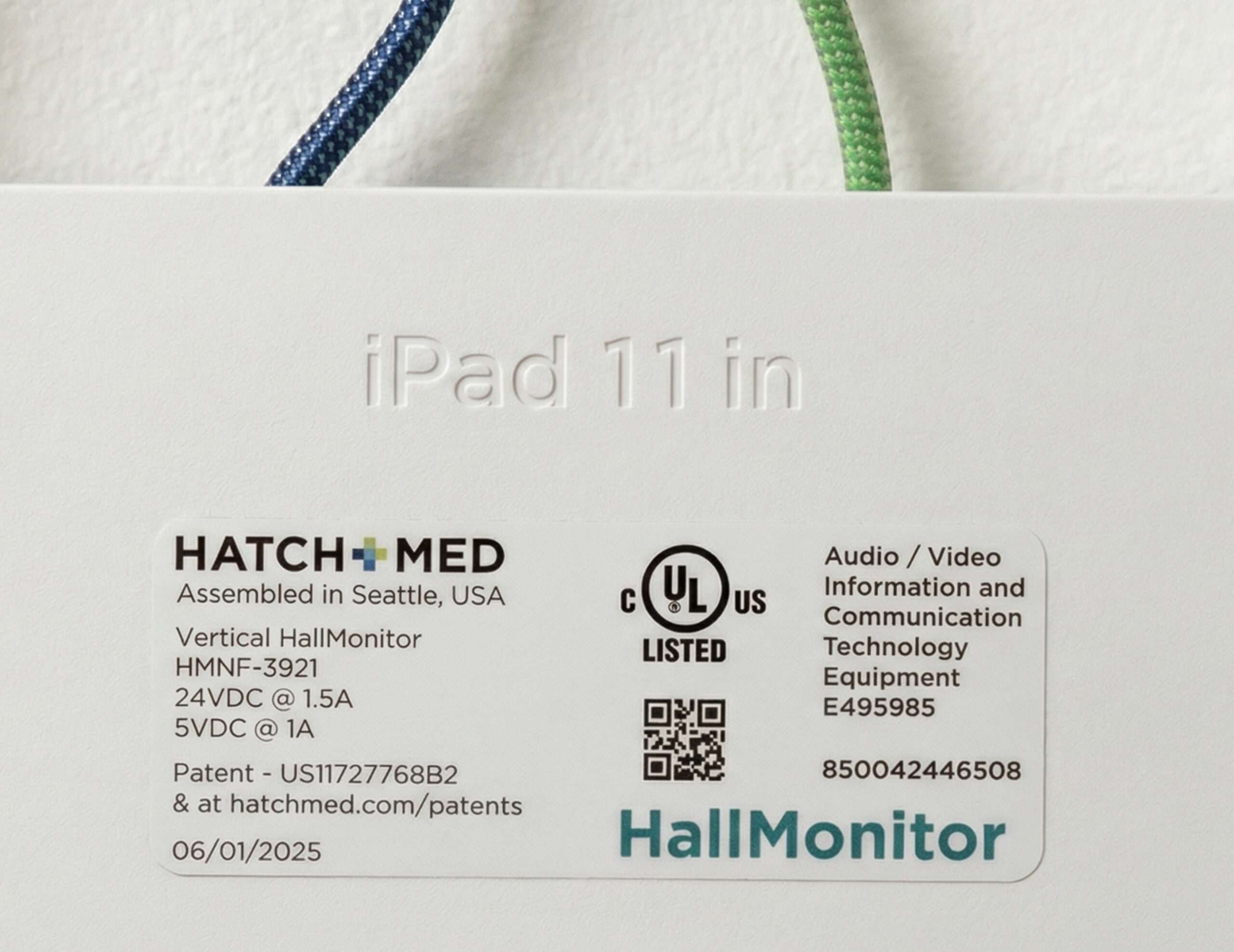
UL certified, FDA registered and a Red Dot Award winner.
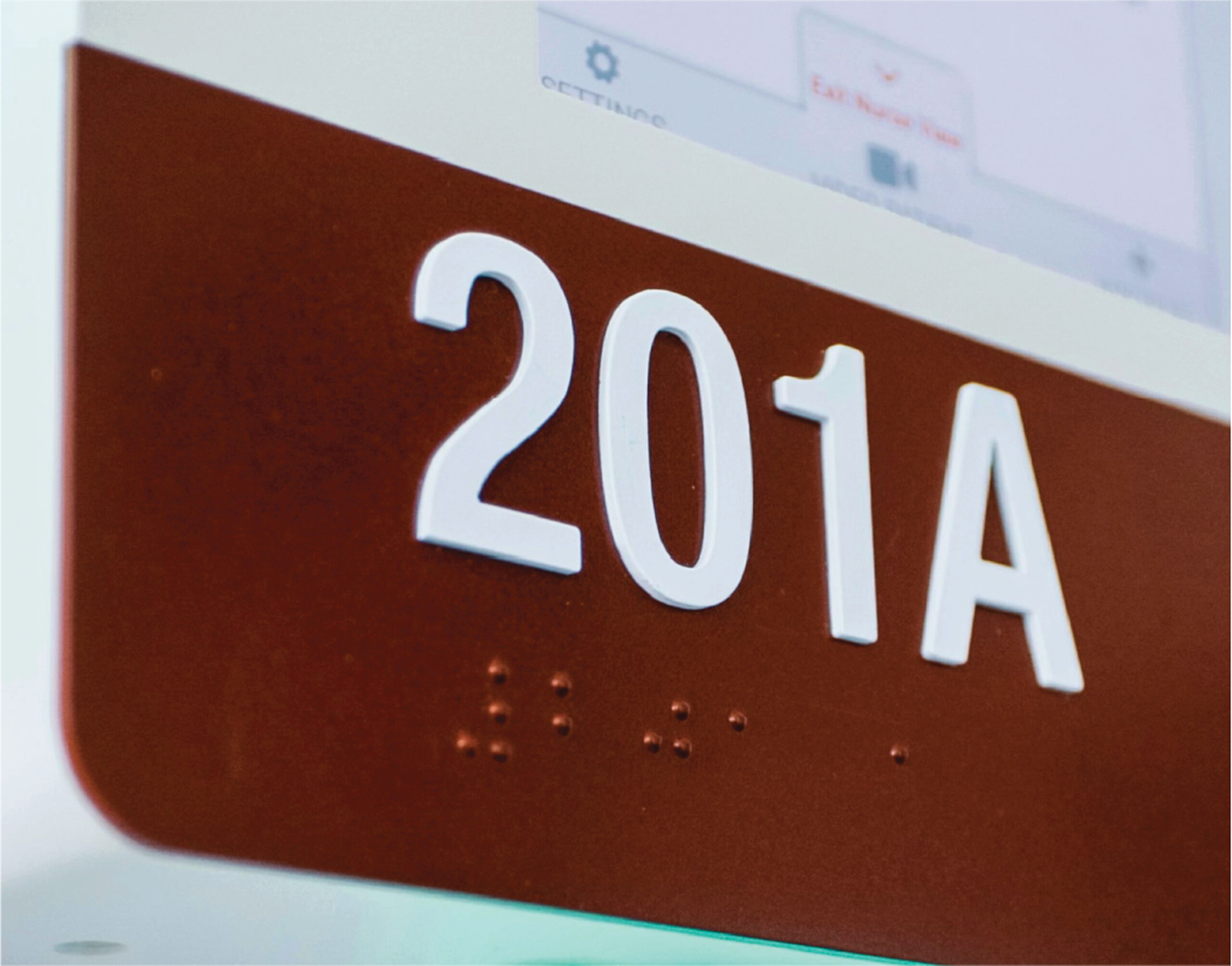
ADA braille and room number built in
The raised room number and Grade 2 braille are part of the device, so it can replace the room’s ADA sign. The number plate is magnetic, so it’s easy to swap if rooms change.
Rolling out digital door signage for the first time? This playbook walks through your software options, from HallMonitor’s own software to running it through Epic Monitor, and what connected signage should do beyond replacing paper. It ends with 10 questions to ask before you choose. Tell us where to send it.
Get more info on HallMonitor
The HallMonitor guide covers what the sign and lights show, how they connect to your EMR, nurse call and beds, and what customers have saved. Tell us where to send it.
HallMonitor with Epic Monitor
The Epic guide covers what Epic Monitor shows on HallMonitor, how your Epic rules drive the lights, and what customers have saved. Tell us where to send it.