Bed & Nurse Call Connectivity

Digital Signage

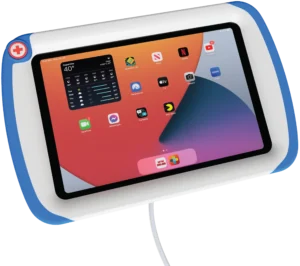
PillowCase iPad case

PillowCase
Nurse call connected iPad case

PadLock bedside iPad case

PadLock
Floating Bedside iPad Case

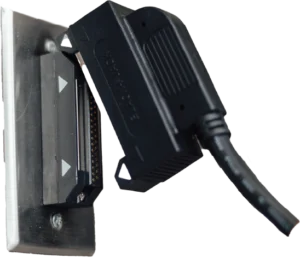
BlackJack magnetic bed cable

BlackJack
Magnetic bed cable

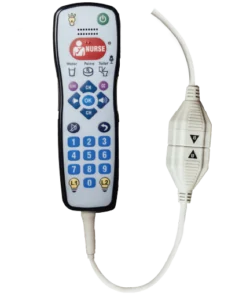
SnapJack magnetic pillow speaker cable

SnapJack
Magnetic pillow speaker cable

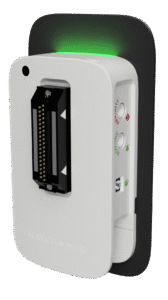
HighLight bed connection status hub


Bed Connection Status

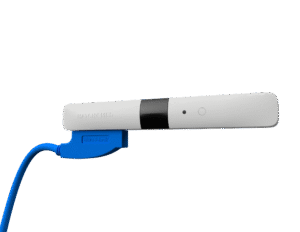
BlueJack wireless bed connectivity

BlueJack
Wireless Bed Connectivity

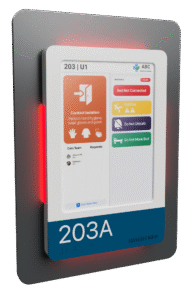
HallMonitor digital door sign

HallMonitor with HatchMed software
Personalized patient precautions & bed data

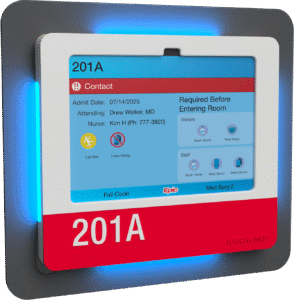
HallMonitor with Epic Monitor

HallMonitor with Epic Monitor
Native integration for contextual illumination

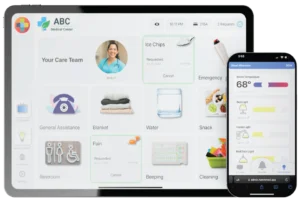
ComCierge

ComCierge
BYOD & hospital owned device compatible

Turn your iPad into a medical device

FDA listed and UL certified, with an optional nurse call button.

Sealed to IP65, and tough enough for hospital disinfectants and a tumble off the bed.

A bedside iPad helps only when it's accessible, charged and working

Hospitals load bedside tablets with MyChart Bedside, virtual nursing and entertainment. PillowCase keeps them at the bed and ready to go, so staff stop hunting for missing or dead iPads.

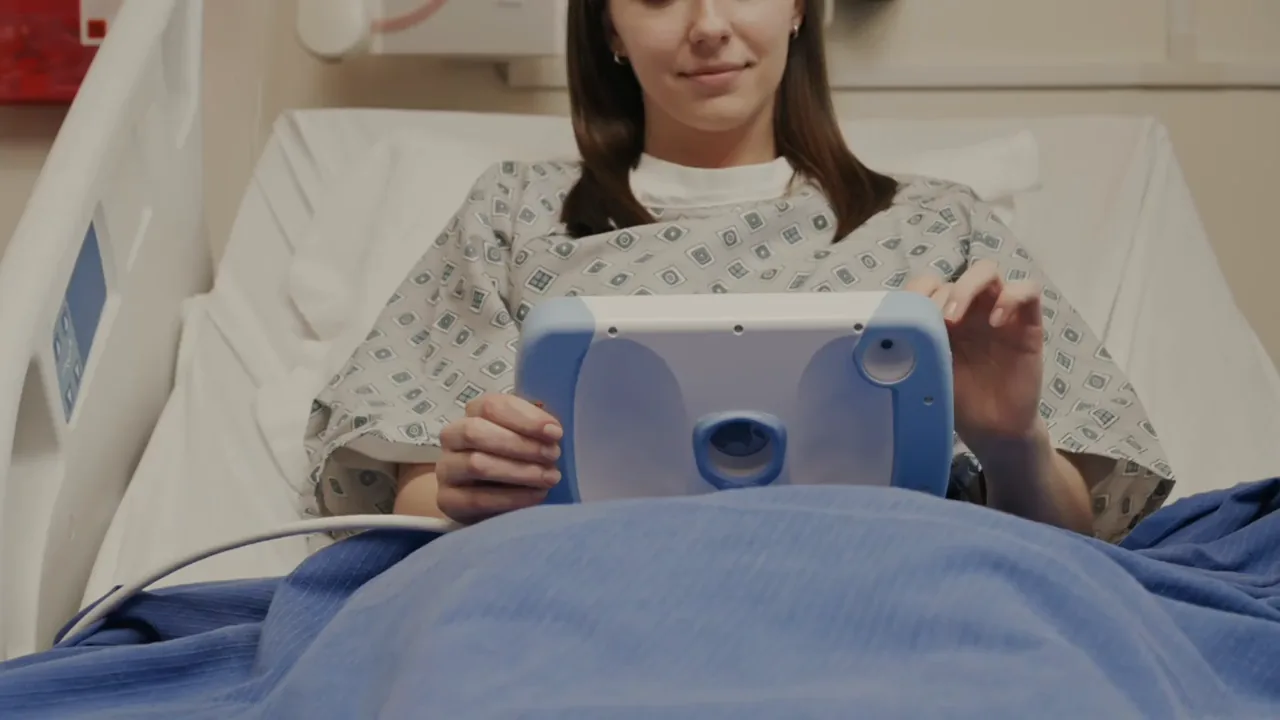
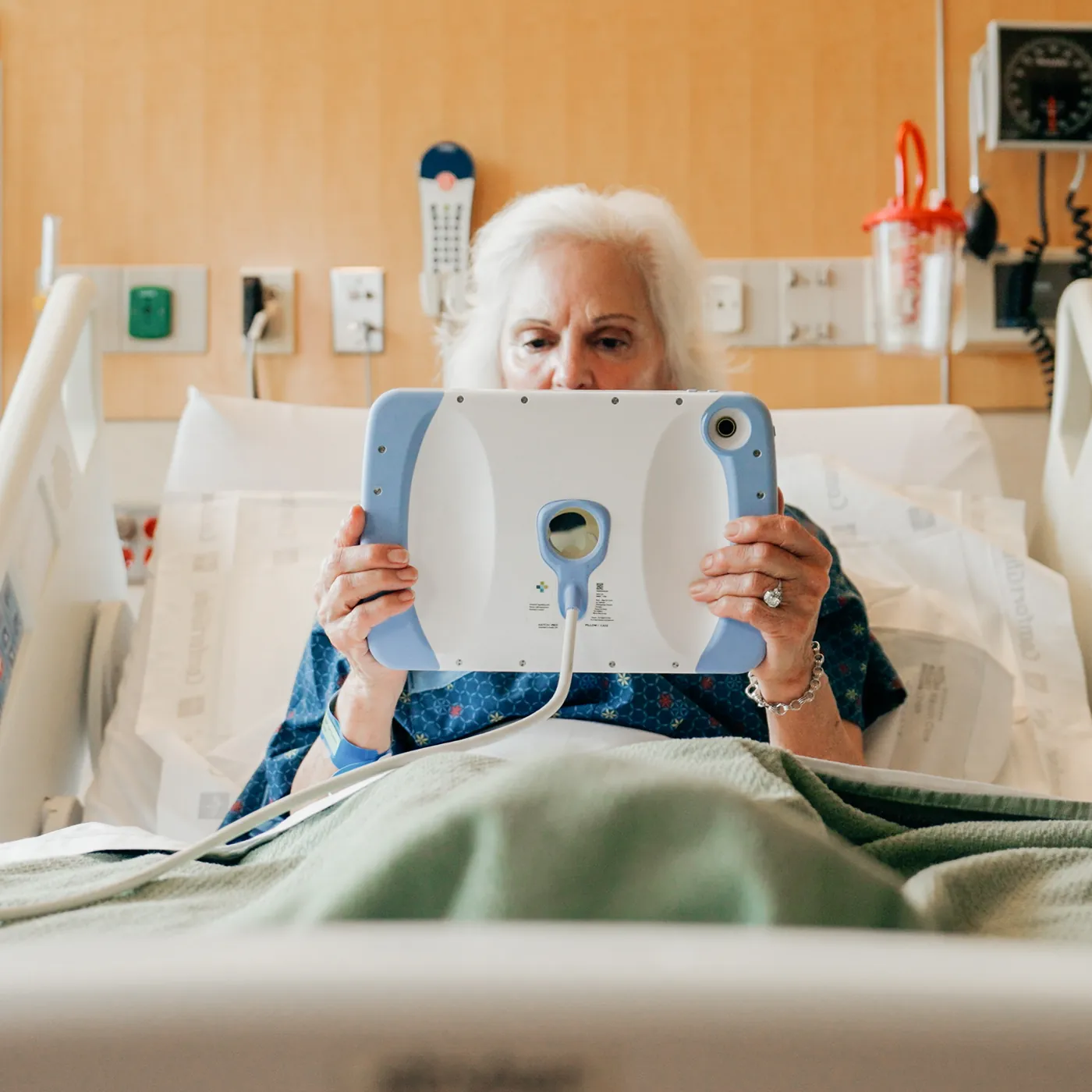
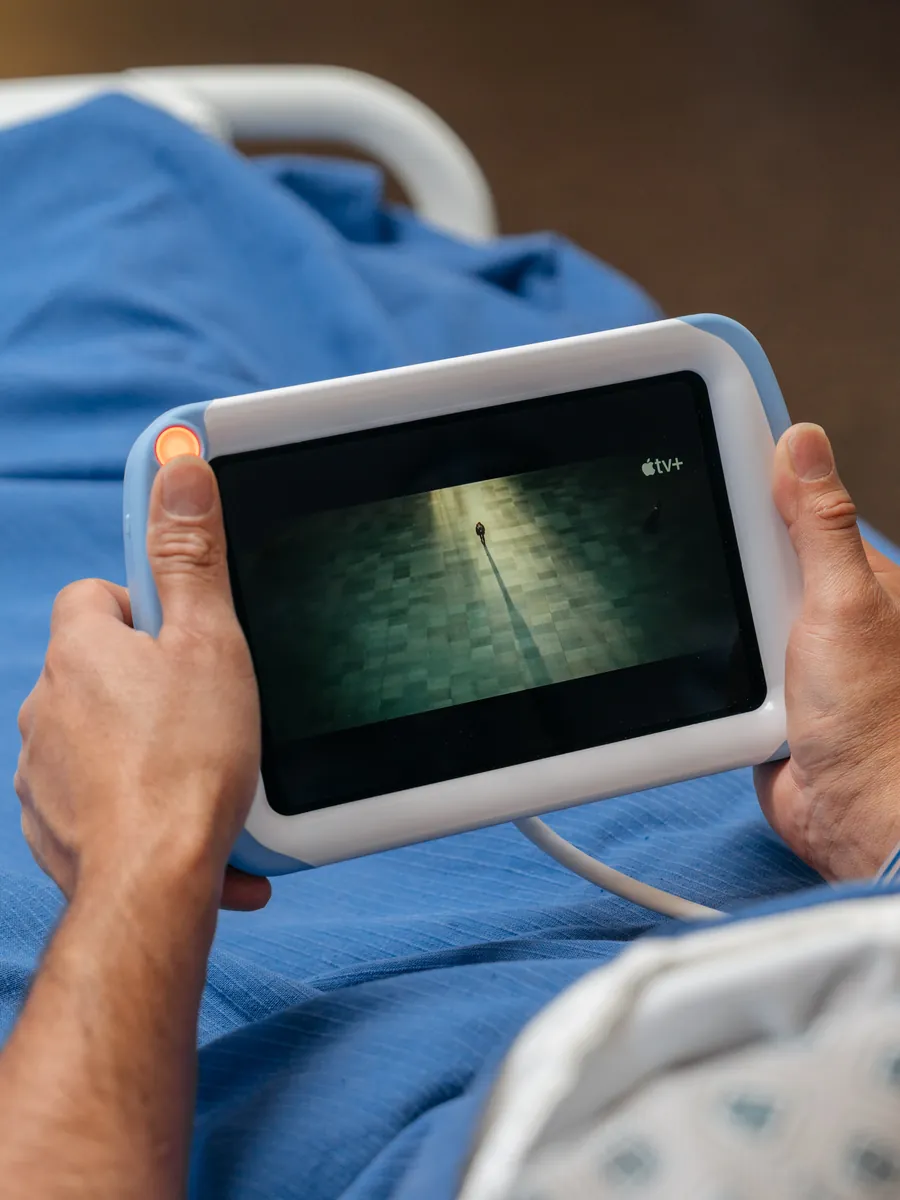
A patient sitting up in a hospital bed holds a PillowCase in both hands, its cable running down to the bed.

Tethered

A keyed magnetic cable gives patients 10 ft of reach. Add the cable lock and it stays in the room.

Charged

It charges through that same cable. No chargers to swap, lose or replace.

Sealed and secure

Optional security screws keep the iPad safe from eager patients. The case is sealed to IP65, so spills and hospital disinfectants are no problem.

One case, three ways to connect it

Every version uses the same case. What you plug it into on the wall decides what it can do.

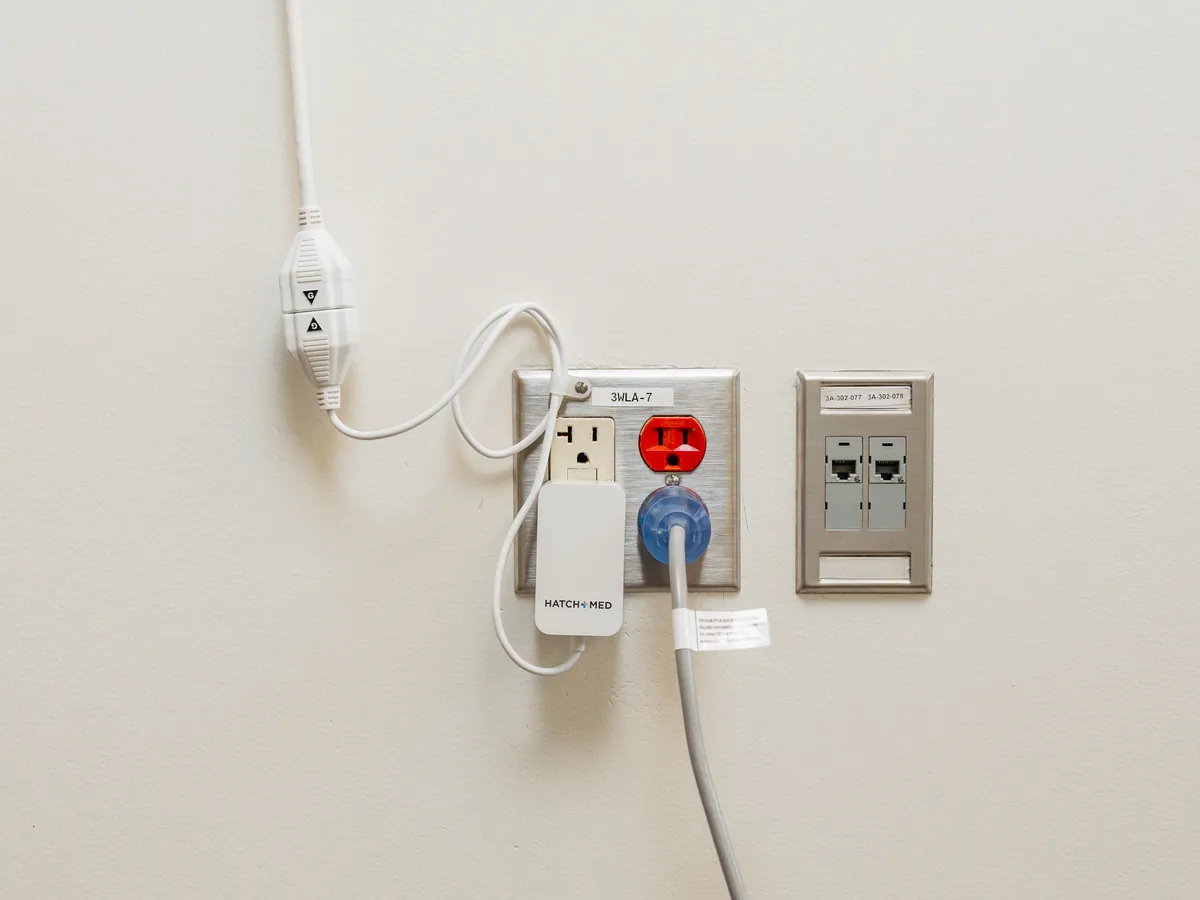
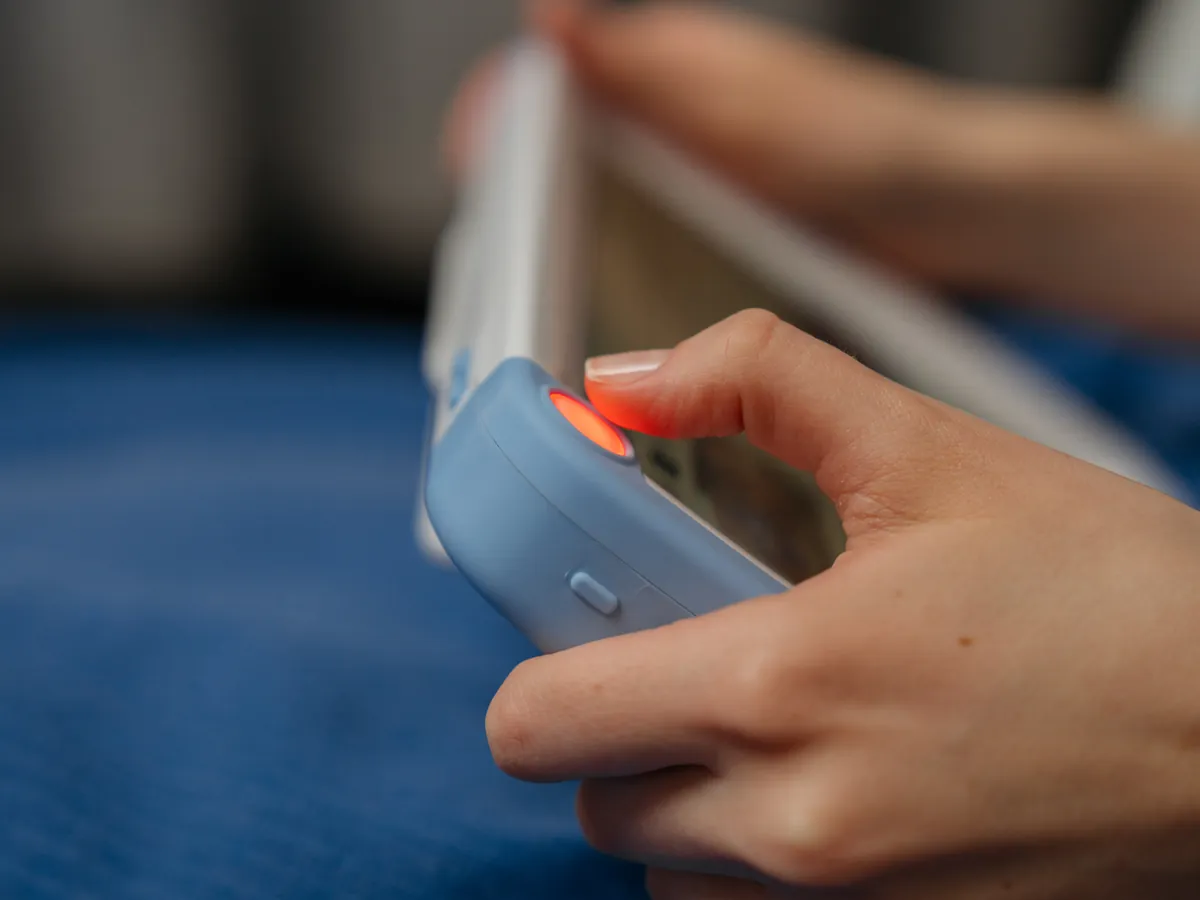
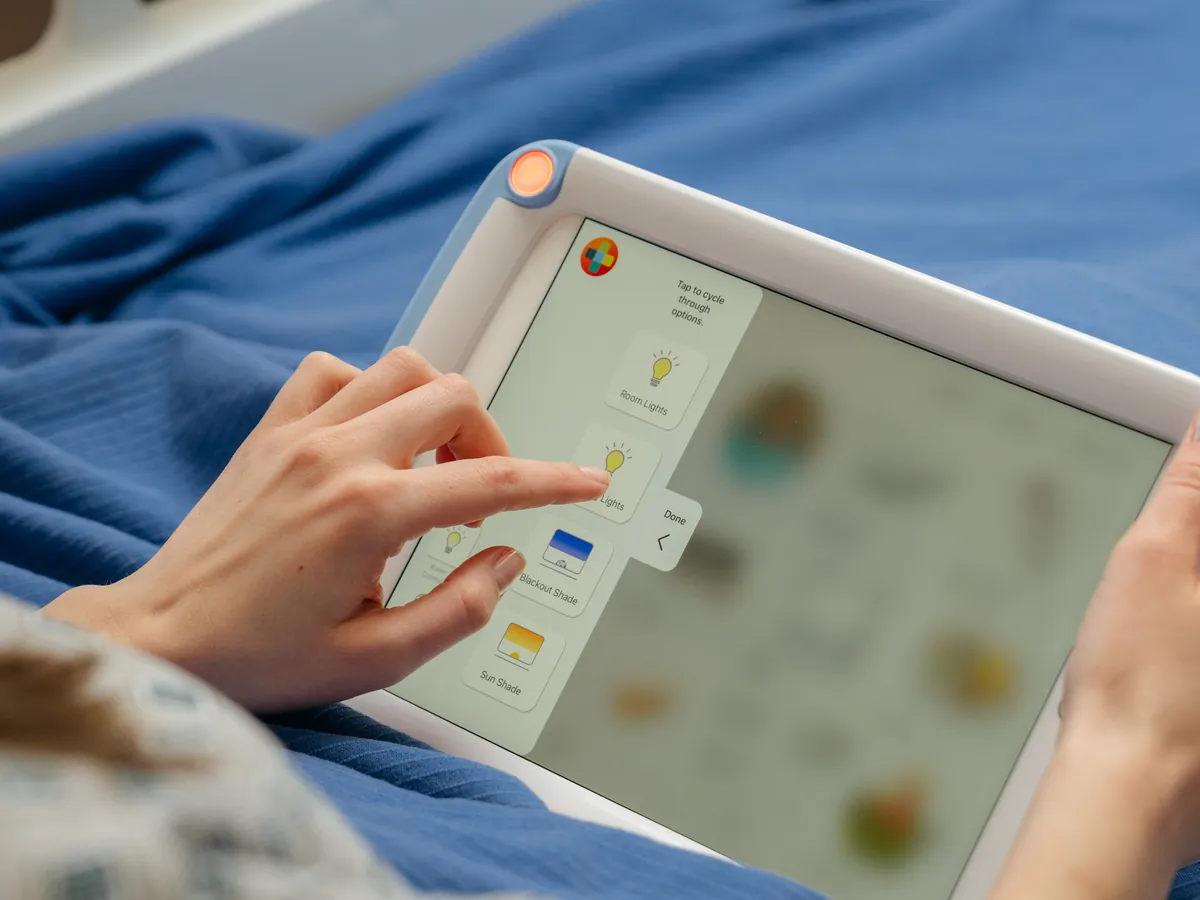
The PillowCase power supply in a wall outlet, its magnetic cable clamped to the wall above.A finger presses the lit orange call button on the corner of a PillowCase.A patient taps a reading light control in the ComCierge app on a PillowCase.

Wall power

  • Chargingincluded
  • Call buttonnot included
  • Room and TVnot included

The quickest way to get iPads to the bedside. Charged, tethered and ready for the next patient.

On the wallA UL listed power supply at the outlet

Good forFast iPad go-lives with MyChart Bedside, virtual nursing or entertainment

A UL/cUL 1069 listed call button puts the care team one press away, right on the patient's device.

On the wallA HighLightX hub, wired to nurse call

Good forAdding a call button to the apps you already run

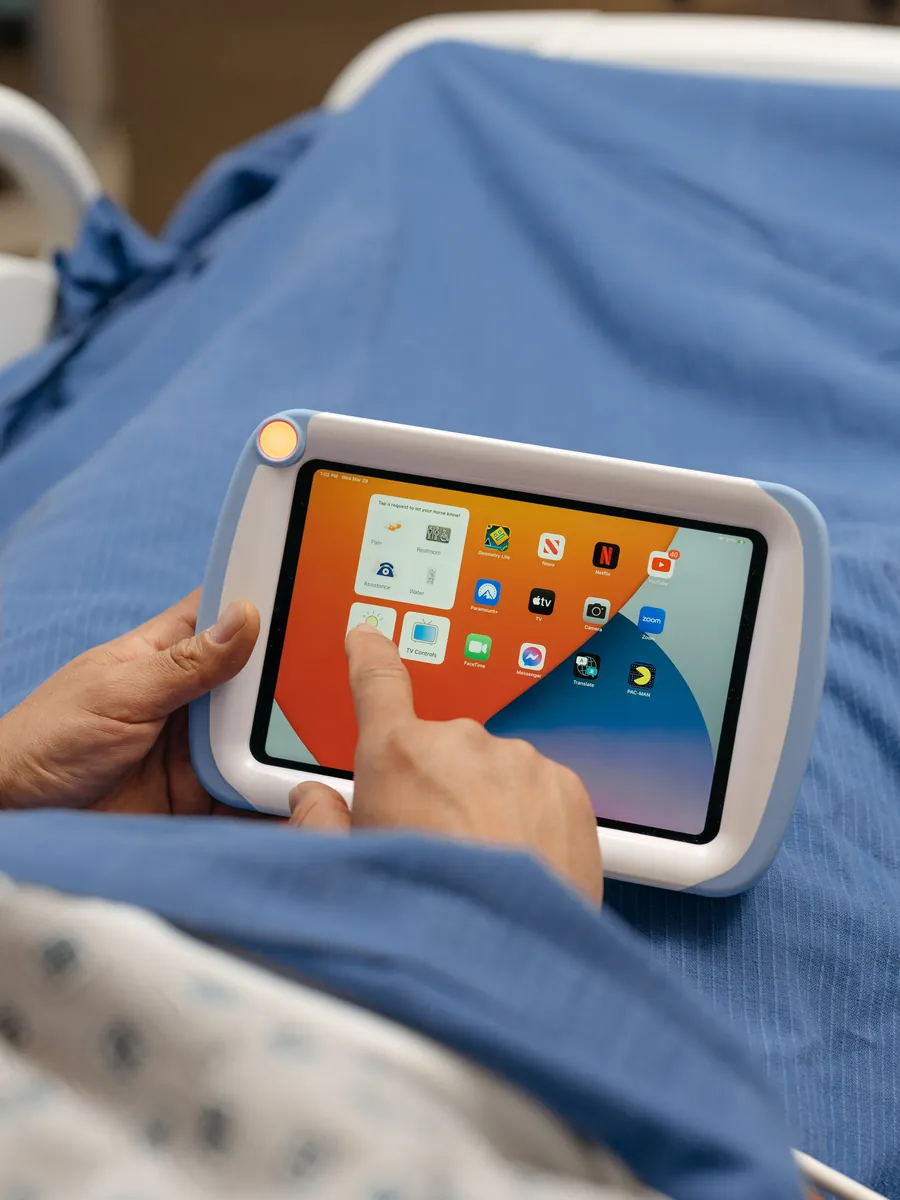
With ComCierge, patients control the TV and the room and send requests straight to nurse call, right from the tablet. It also works embedded within Epic MyChart Bedside.

On the wallA HighLightX hub with a pillow speaker splitter

Good forGiving patients control of their room from the bed

Hold it, prop it or mount it

Most of the time it’s in the patient’s hands. When they put it down, it stands on the table or clips to the rail.

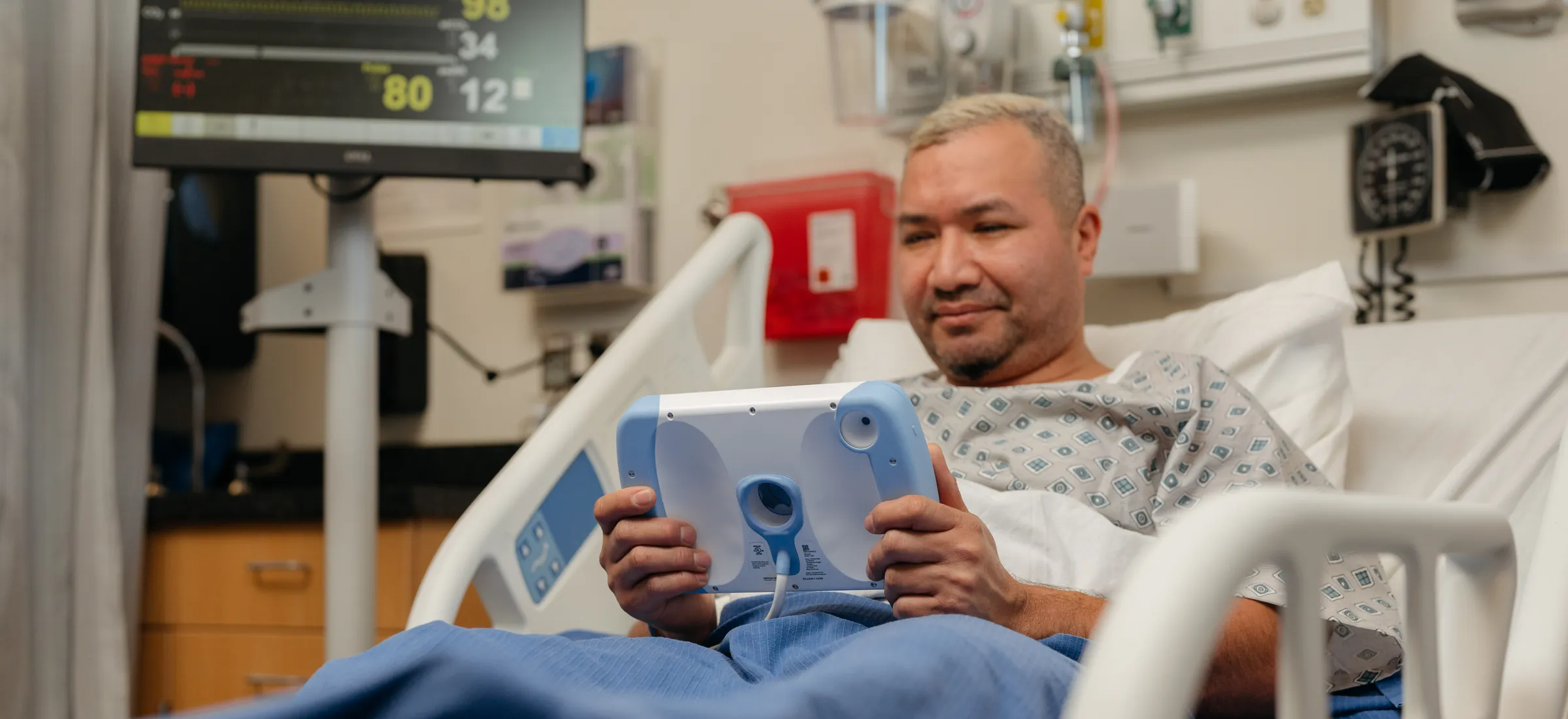
An older patient sitting up in bed holds a PillowCase in both hands, its cable trailing to the side.

In the hand

Light enough to hold in bed, at 2.1 lb with the iPad inside.

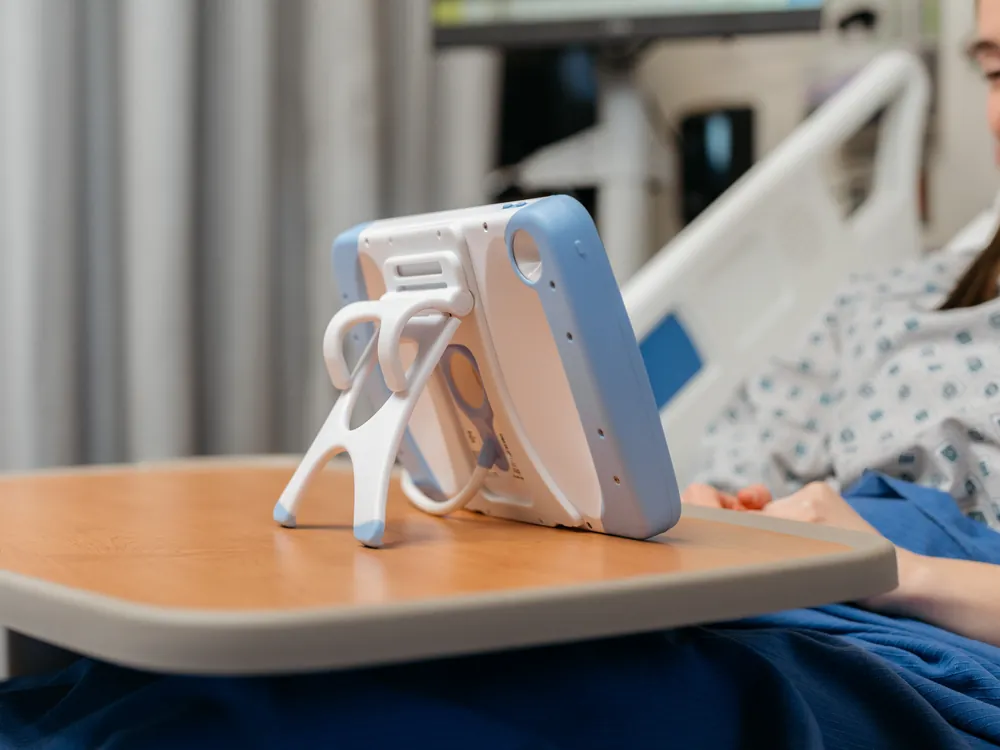
A PillowCase standing on its kickstand on an overbed table beside the bed.

Kickstand

A friction-hinged kickstand props it on the overbed table.

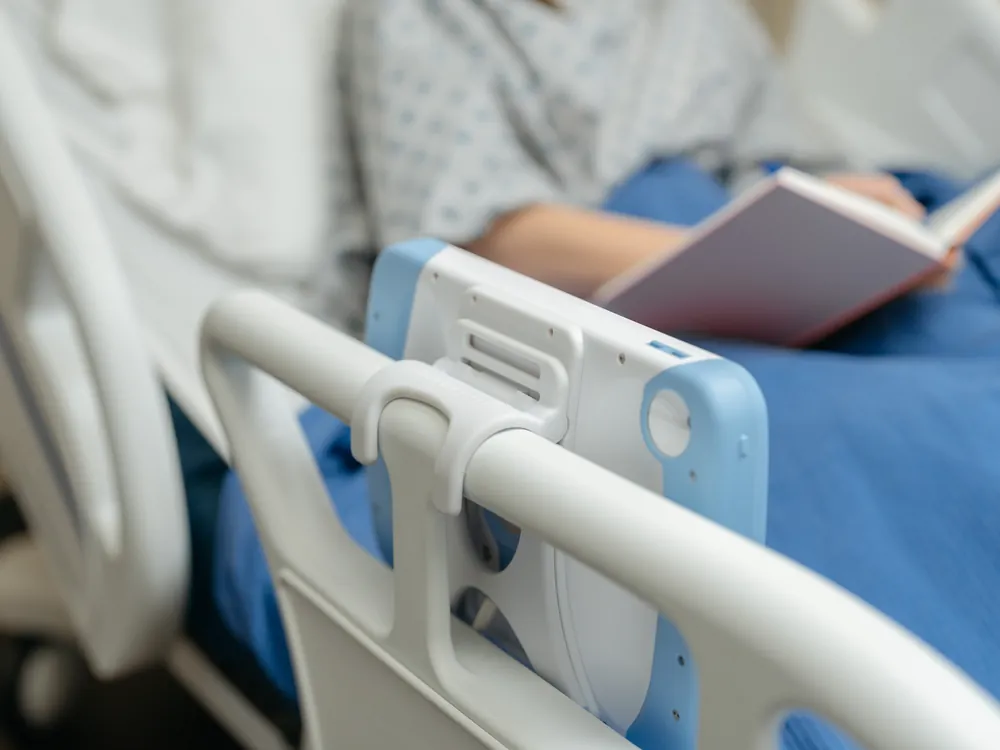
A PillowCase clipped to a bed rail while the patient reads a book.

Rail clip

A spring-loaded clip, built into the kickstand, hangs it on bed and stretcher rails.

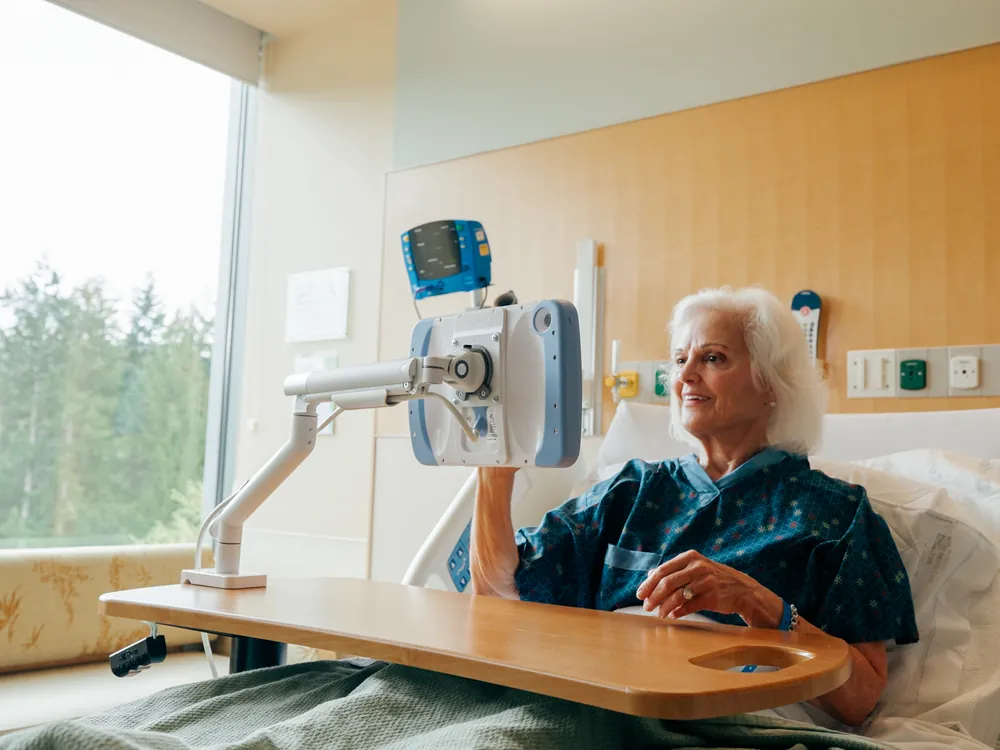
A PillowCase on a white arm clamped to an overbed table, beside a smiling patient by a window.

Overbed table arm

A no-drill arm clamps to the overbed table.

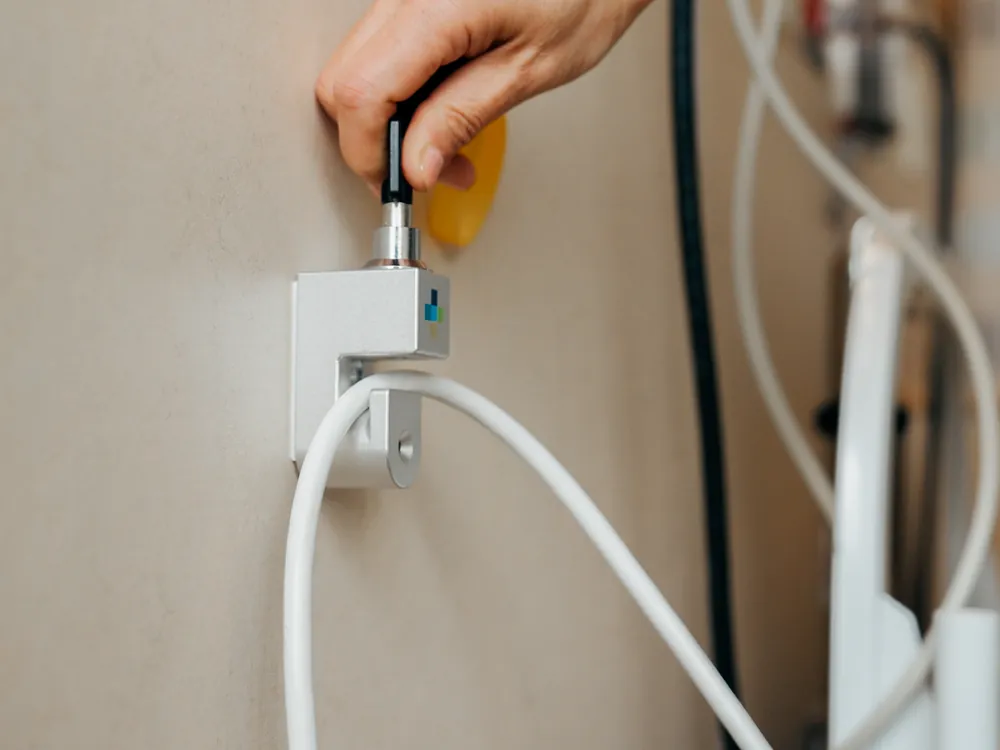
A key turns in the PillowCase cable lock on a hospital wall, the white cable held below it.

Cable lock

A keyed lock on the wall holds the cable, so the case stays in the room.

Runs the apps your hospital already uses

PillowCase doesn’t touch the iPad’s software. Wi-Fi, Bluetooth, the cameras, speakers, microphones and screen all work as usual.

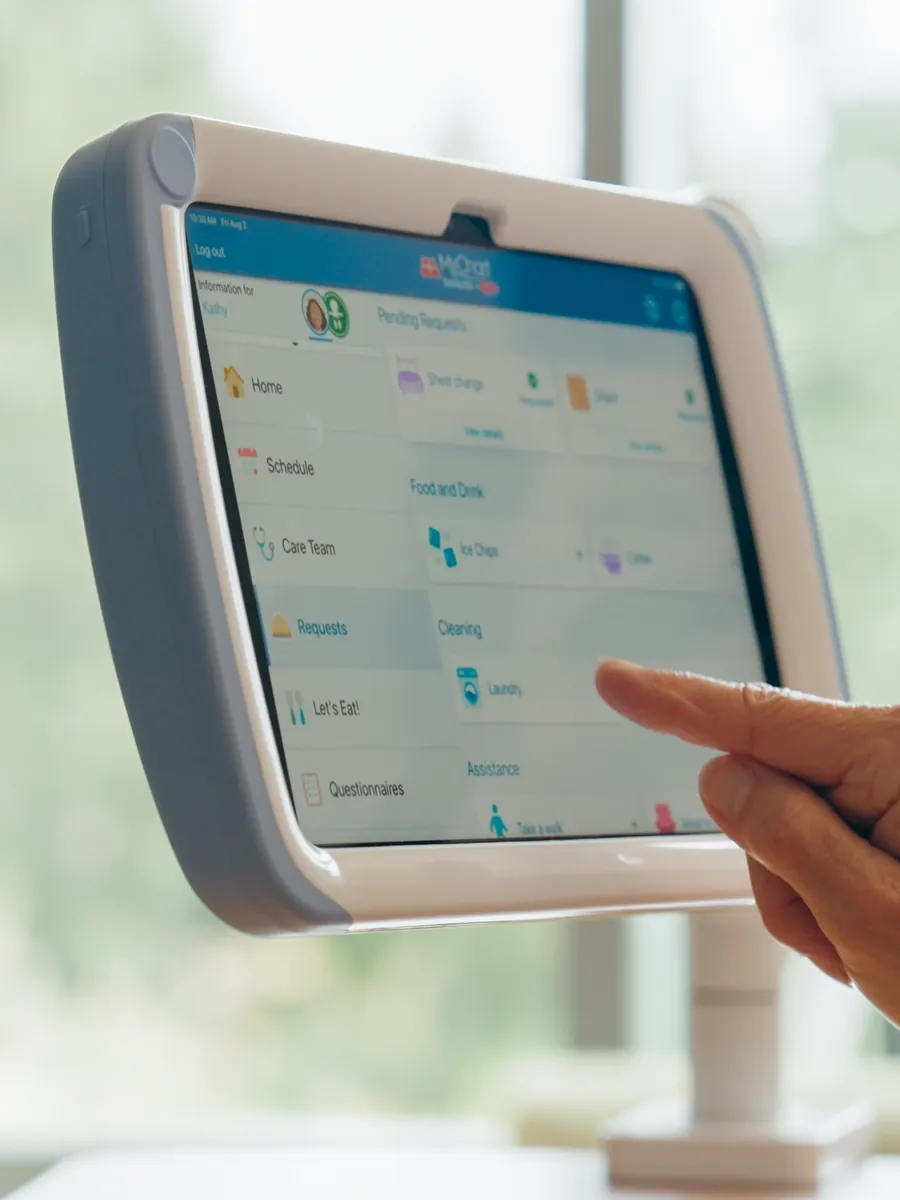
A finger taps the Epic MyChart Bedside app on a PillowCase mounted on an arm.

MyChart Bedside

Epic’s bedside app, on a device that’s always charged.

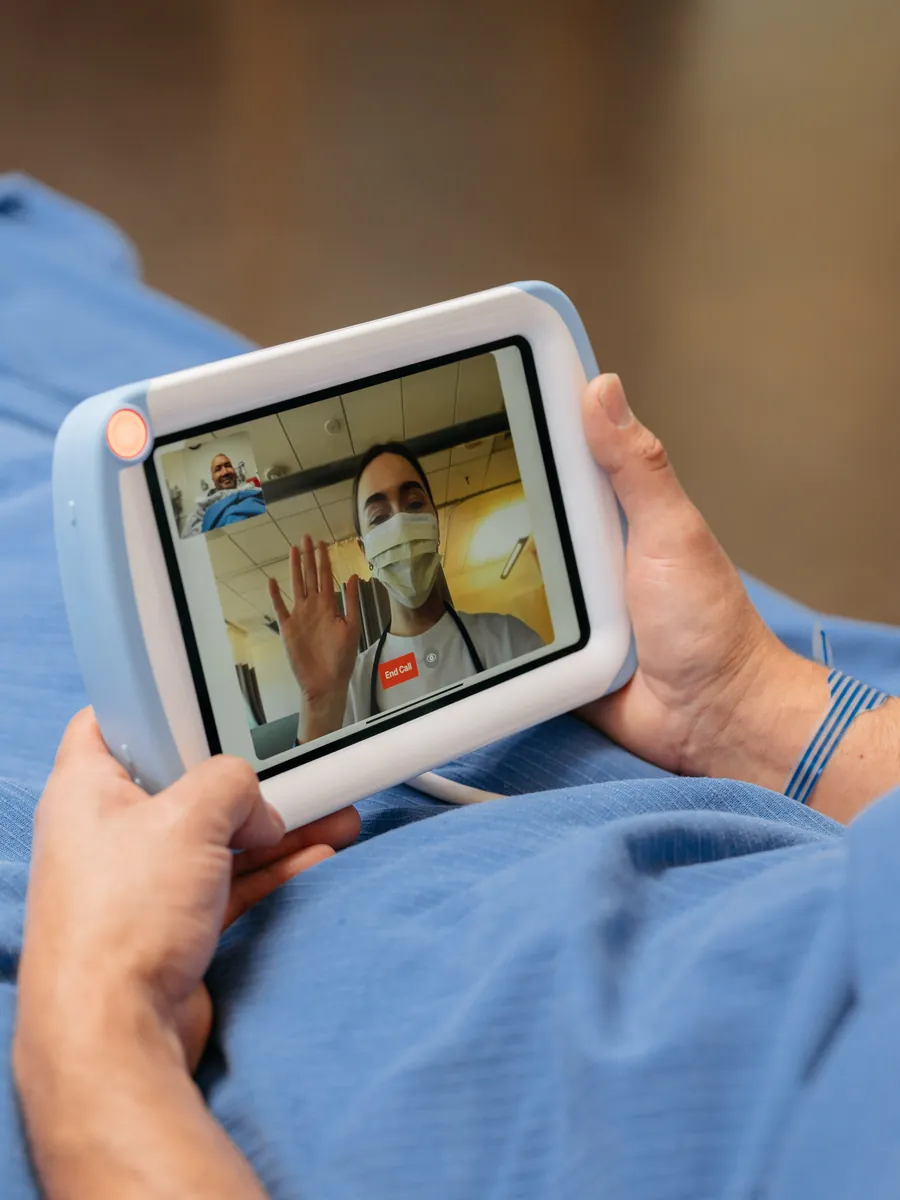
A patient waves to a masked nurse on a video call on a PillowCase.

Virtual nursing

The cameras and microphones stay uncovered, so virtual nursing visits and family calls just work.

A patient holds a PillowCase in bed, watching a video.

Patient engagement

Education, shows and games from whichever engagement apps your hospital picks.

A patient taps an app on the iPad home screen inside a PillowCase.

Your own apps

Anything else your team deploys through MDM.

Epic and MyChart are registered trademarks of Epic Systems Corporation.

Specs and installation

Regulatory

FDA
Registered medical device, Class 2 exempt
Nurse call
UL/cUL 1069 listed call button (call button versions)
Power supply
UL/cUL 62368-1 listed

Size and fit

Fits
iPad, 7th to 11th generation
Weight
1.0 lb without the iPad, 2.1 lb with it
Size
11.5 x 7.9 x 1.3 in (W x H x D)

Connection and power

Cable
Keyed magnetic cable, 10 ft on the case side and 2 ft on the wall side
Power
12 VDC, 3 A plug-in power supply, included
Network
The iPad's Wi-Fi. No wired Ethernet.
Nurse call systems
Rauland, Hillrom, Westcom, Jeron, Critical Alert, Ascom, Austco and others, through a HighLightX hub

Durability

Sealing
IP65, dust and water-stream resistant
Materials
Polycarbonate and TPE with antimicrobial and UV-stabilizing additives
Cleaning
Standard hospital surface disinfectants

Patents and warranty

Patents
US10863012B2, US20220066525A1
Warranty
One year standard. Extended Warranty for years two and three, and the Product Upgrade Plan.

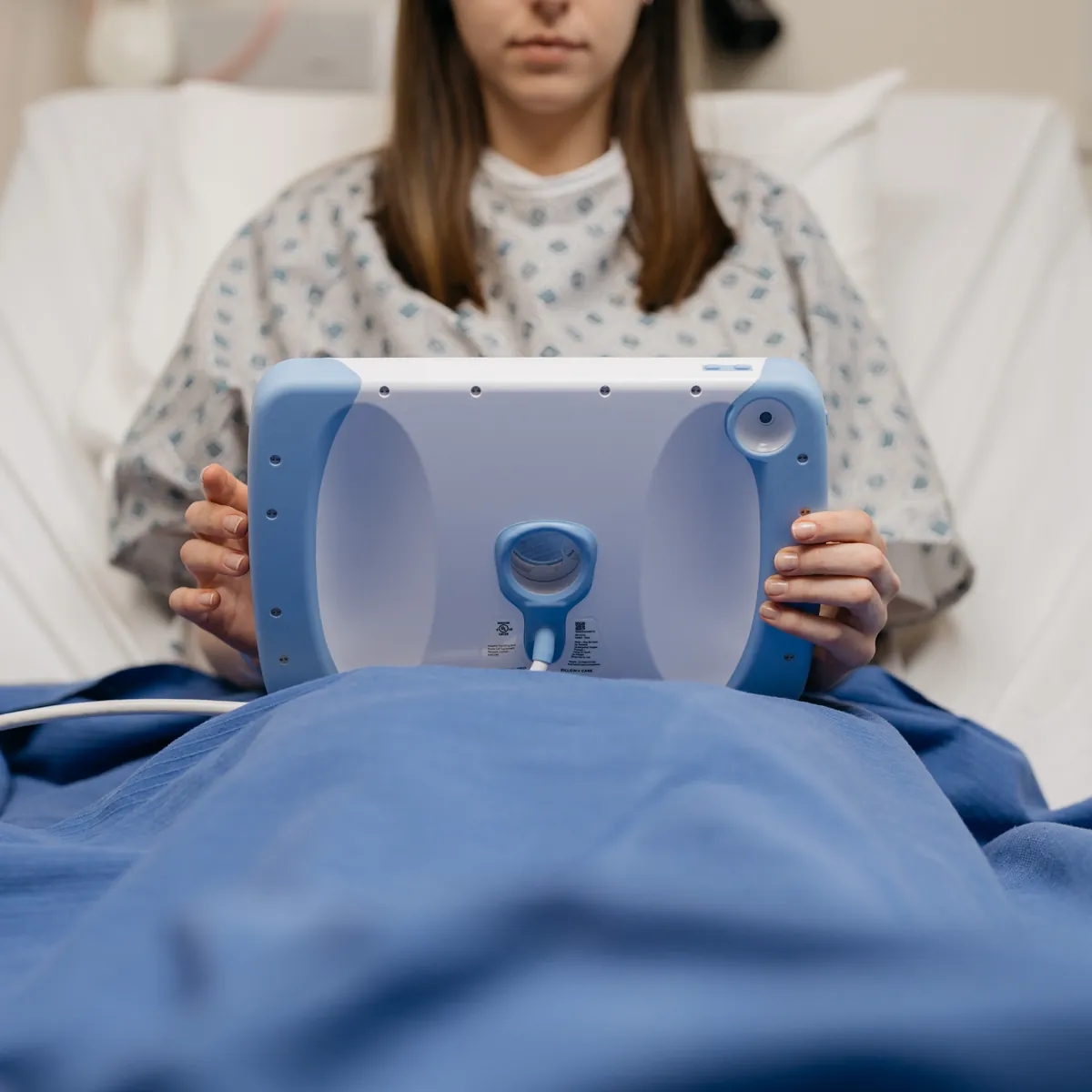
The back of a PillowCase held by a patient, with its camera opening and the magnetic cable at the bottom.

Install in four steps

  1. Assemble. Connect the iPad to the charging cable, lay it flat in the case, seal the front cover and fit the screws. Check the power and volume buttons.
  2. Wall side. Plug the power supply into the outlet, or mount the HighLightX hub on the headwall and connect it to the outlet and the patient station. P-clamp the wall end of the cable.
  3. Lock (optional). Fit the cable lock on the case side, about a foot from the magnet, so the magnet can still break away.
  4. Check. Confirm the iPad is charging before you leave the room.

Questions about an install? Call 844-428-2463 or email info@hatchmed.com.

FAQ

Which iPads does PillowCase fit?

iPad 7th to 11th generation.

Can patients still use the cameras?

Yes. The front and rear cameras, the microphones and the speakers all stay open.

Which apps does it work with?

Any iPad app. PillowCase doesn’t change the iPad’s software. For a digital pillow speaker, HatchMed’s ComCierge runs on PillowCase.

Is PillowCase UL listed and FDA registered?

PillowCase is an FDA registered medical device, Class 2 exempt. Its power supply is UL/cUL 62368-1 listed, and the call button versions are UL/cUL 1069 listed for nurse call.

How do we clean it?

Wipe the case and cable with a standard hospital disinfectant, let it dry, then wipe with a cloth dampened in clean water. Keep solution off the magnetic connector and brush it clean instead. The cleaning guide lists approved products.

What happens when a new iPad comes out?

The cable and circuitry stay the same across iPad generations. With the Product Upgrade Plan, HatchMed swaps the frame for the new iPad.

Does it need a wired network?

No. PillowCase uses the iPad’s Wi-Fi. If you need wired Ethernet, PadLock is our mounted iPad enclosure.

Which nurse call systems does it work with?

The call button versions work with Rauland, Hillrom, Westcom, Jeron, Critical Alert, Ascom, Austco and others, through a HighLightX hub on the headwall.

Try PillowCase on one unit

Tell us which iPads, apps and nurse call system you use. We’ll help you pick the version and set up a demo.

Or call 844-428-2463.

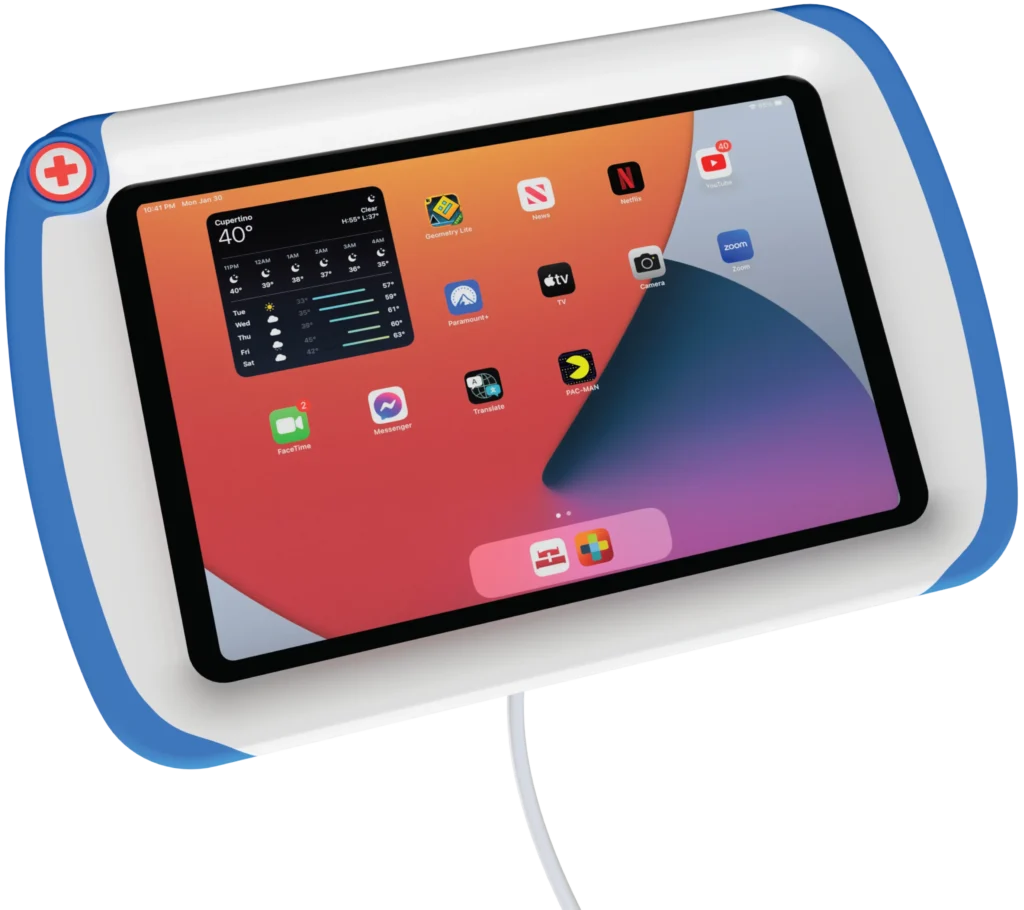
A white PillowCase with a pale blue edge holding an iPad, front and back.

Works with

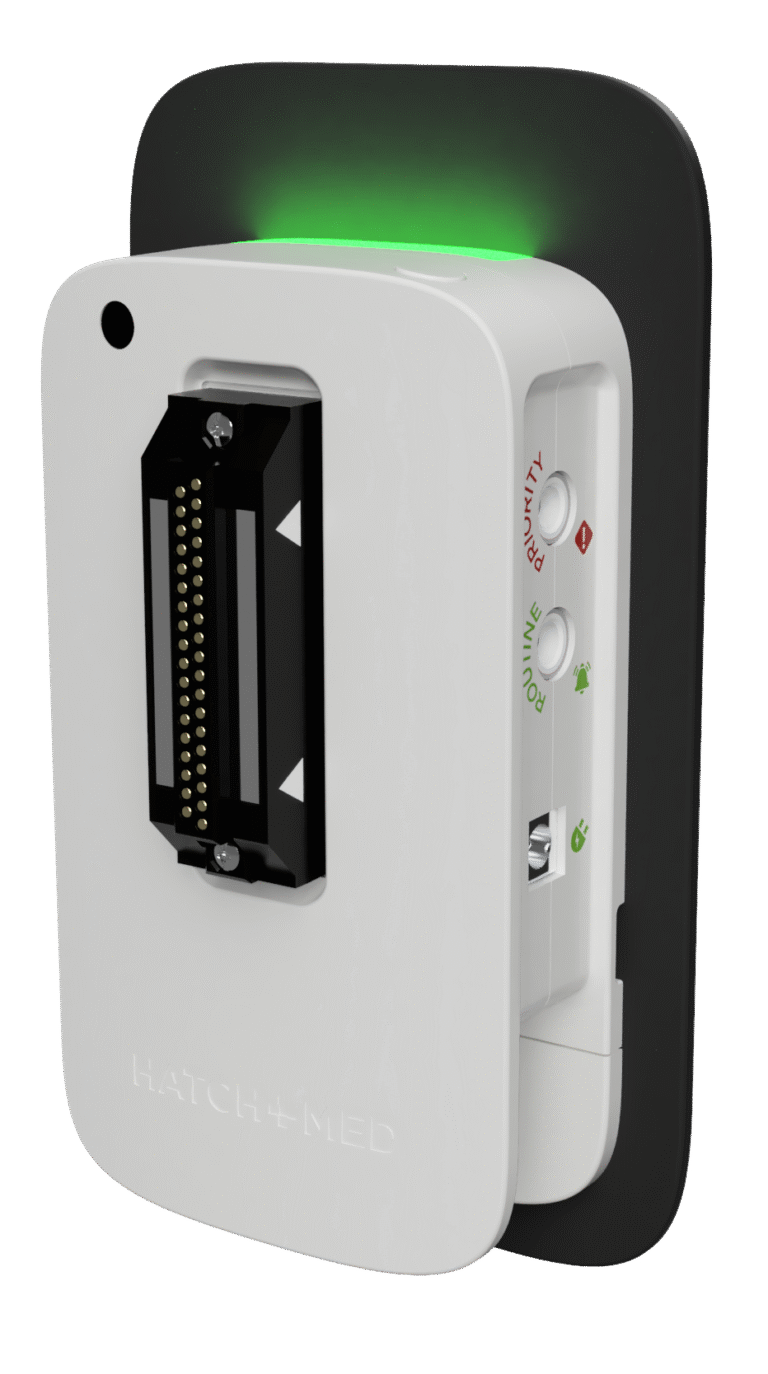
A white HighLightX unit with a green light along its top edge.

The hub that connects the call button versions to nurse call.

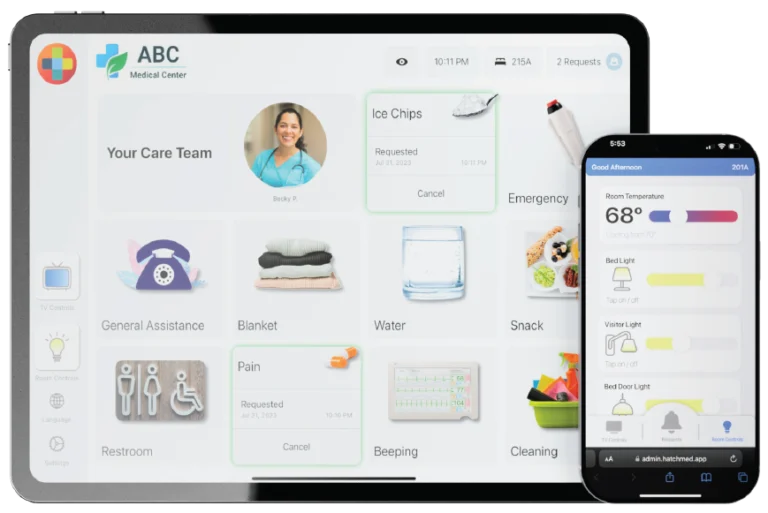
The ComCierge app on an iPad and a phone.

The digital pillow speaker app for PillowCase and patients’ own phones.

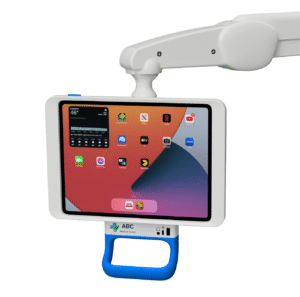
A PadLock iPad enclosure on a mounting arm.

A mounted iPad enclosure with wired Ethernet, for devices that stay put.

Home Page